How Chrome Headless Mode Works Under the Hood
The rendering engine runs in full while the window disappears.
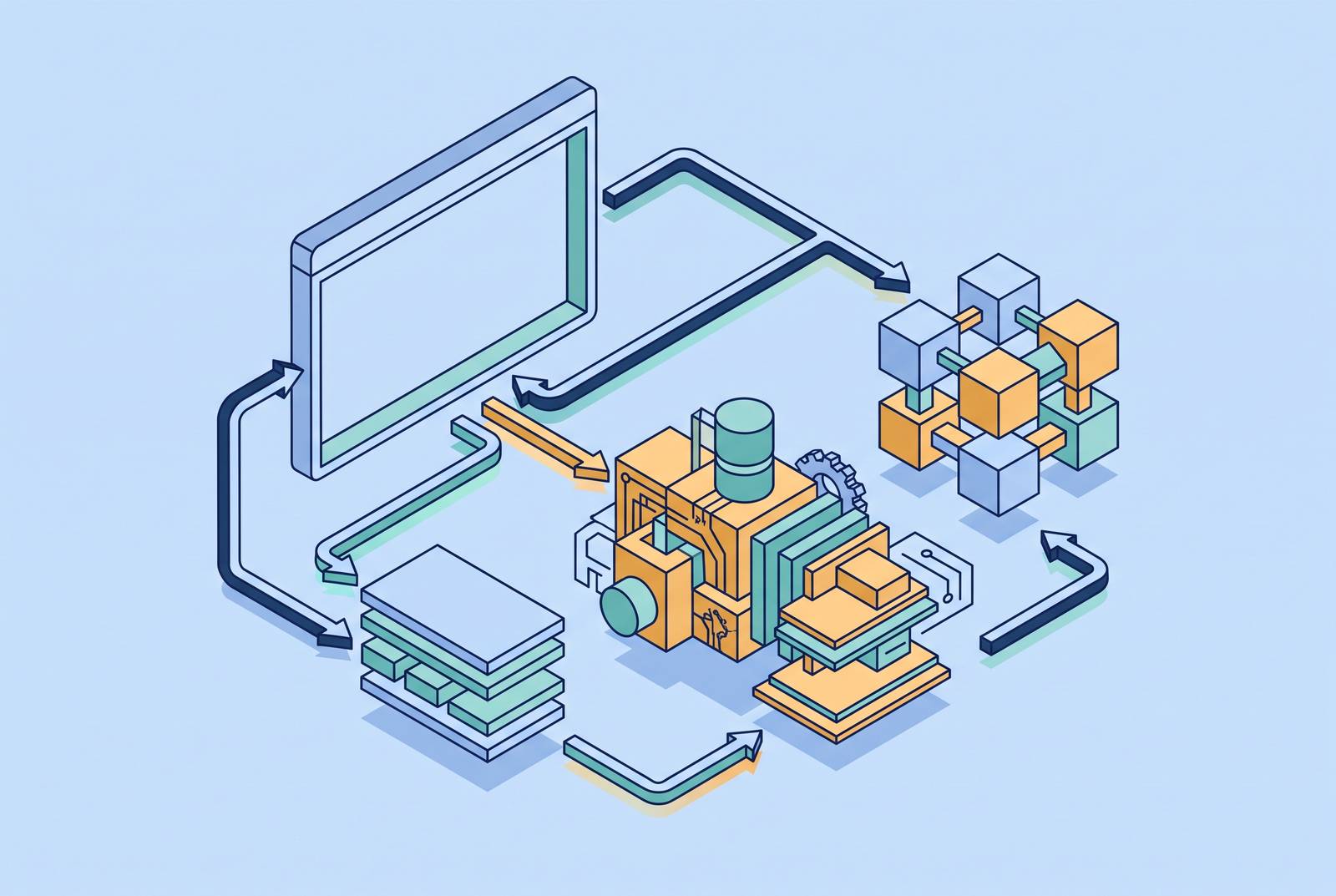
Chrome headless mode works by preserving the browser’s machinery while removing its visible output. That distinction explains both its accuracy and its cost. This article follows the architecture from rendering to remote control, showing why a browser without a window still behaves, consumes resources, and needs protection like a full browser.
What headless Chrome actually removes — and what it keeps
Headless Chrome drops the OS window and the compositor surface that hands frames to the OS window manager. It does not need an X server, a virtual framebuffer, or GPU passthrough to put a page on a visible display. But removing that destination does not remove the work needed to prepare the page. “No screen” does not mean “no rendering”.
It keeps the Blink rendering engine, V8 JavaScript engine, and full network stack that desktop Chrome uses. HTML is parsed, CSS is applied, JavaScript executes, and layout is calculated. So features that rely on cookies, storage, service workers, or network requests still have the browser code they need. The useful boundary is between producing a page and displaying it to a person.
The rendering pipeline Chrome headless runs in full
Chrome’s RenderingNG pipeline makes that boundary concrete. The sequence runs through DOM construction, style resolution, layout, paint, layerization, raster, and compositing. Paint records display items, and raster turns that work into tiles. Headless mode also performs frame submission to Viz.
HTML parsing, CSS processing, and JavaScript execution run on the renderer’s main thread. Compositing can proceed independently, handling animations and scrolling even when JavaScript blocks that thread. Headless mode does not short-circuit this separation. Its missing endpoint is presentation through the compositor surface to the OS.
Consequently, font rendering, viewport-relative units, media queries, and scroll triggers use the same code as a headed run. The architecture preserves the basis for matching page behavior, JavaScript timing, and layout output. But even with the same code, different viewport sizes can give different results. An explicit viewport is necessary to avoid size-dependent failures.
Chrome's multi-process architecture and what it means for headless isolation
The rendering pipeline sits within a multi-process application whose design is a security architecture. The browser process owns top-level coordination, and suppressing the window leaves those other responsibilities unchanged. Site isolation assigns renderer processes per site instance. Cross-origin iframes can therefore run in their own renderer processes.
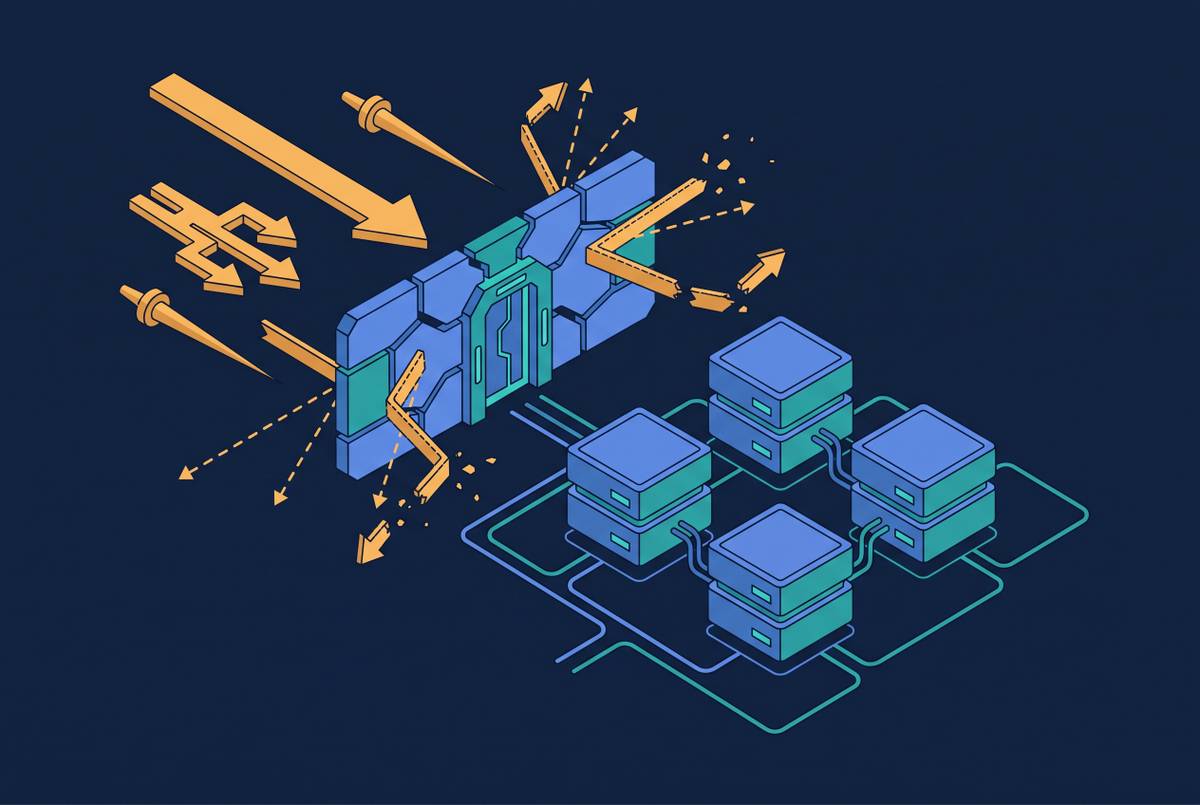
That separation reflects the material a renderer must handle. It parses arbitrary HTML, CSS, images, fonts, and JavaScript from the open web, so its security design assumes that it may be compromised. The sandbox is the structural defense against renderer exploits, which are a real, regularly patched category of vulnerability. Running with --no-sandbox changes how Chrome starts and removes that protection. Where container tutorials use it to make Chrome run as root, the correct fix is to adjust the container user.
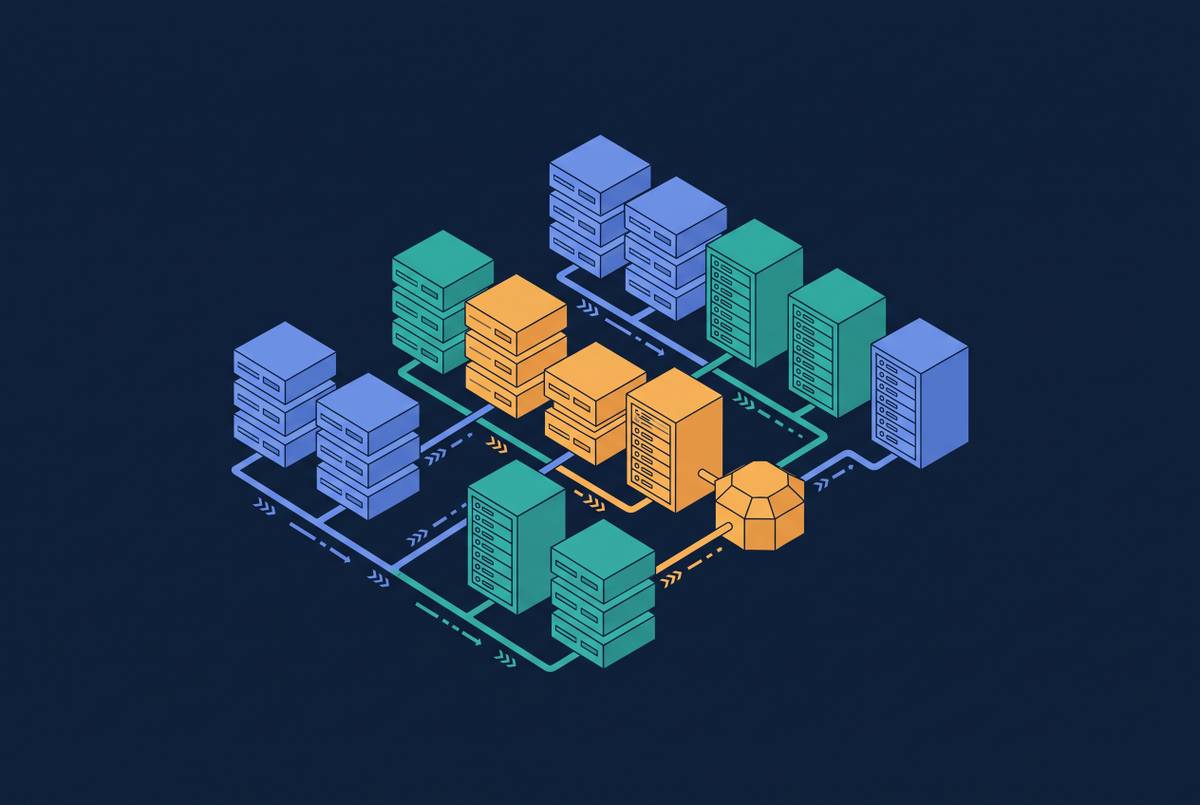
The same architecture also explains why hiding a window produces only modest memory savings. Headless Chrome still launches a complete multi-process application. Isolation is part of what that resource cost buys.
The Chrome DevTools Protocol as the control layer
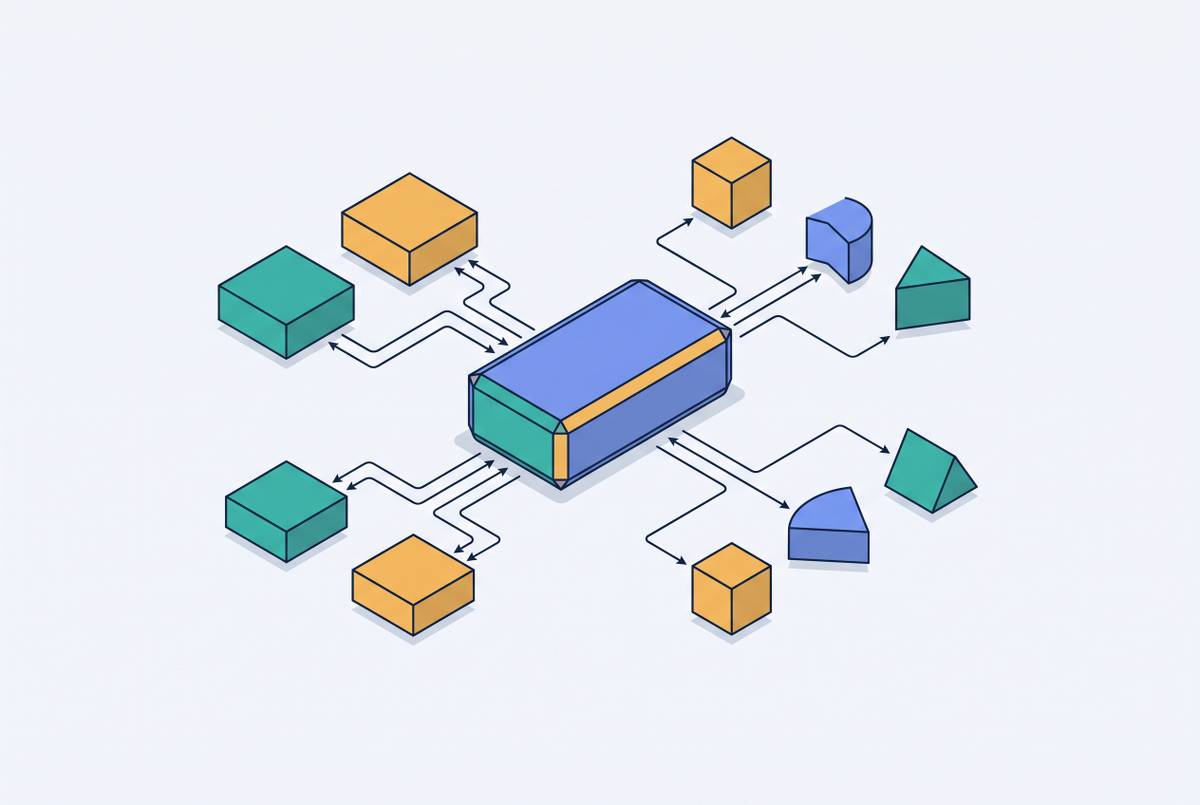
With the browser running in the background, an automation script needs a way to reach its internals. Chrome DevTools Protocol, or CDP, provides that control channel through a direct WebSocket connection. The script sends commands, and headless Chrome executes them as the full browser would. The absence of a graphical interface therefore does not limit automation to a reduced set of page operations. Control moves from visible browser controls to a protocol connection.
That direct connection also shapes latency. The older WebDriver model adds round-trip overhead per command, while CDP communicates directly with browser internals and substantially reduces that overhead. Those time savings add up over thousands of automated actions. WebDriver BiDi, the newer W3C standard, adds bidirectional, event-driven communication and is the direction Selenium is moving.
CDP reaches beyond navigation into DOM inspection, network request interception, device emulation, and performance tracing. All of these work in both headed and headless Chrome. The --remote-debugging-port option exposes CDP over a network socket. Managed browser services and remote browser infrastructure use that protocol-level access to separate the browser from the script controlling it.
The architectural split between new headless and chrome-headless-shell
Old headless was a separate, lighter implementation that shared relatively little with Chrome proper. It differed from the desktop browser in many small but observable ways. Most existing tutorials describe that old behavior. A guide that treats current headless Chrome as a stripped-down alternate browser is describing the wrong architecture.
Chrome 112 introduced the new mode through --headless=new, using the desktop browser’s code path with the window suppressed. Plain --headless defaulted to that path from Chrome 128 onward. Since Chrome 132.0.6793.0, the old implementation has been available only as the standalone chrome-headless-shell binary. The distinction is therefore between two implementations.
New headless has full feature parity, including extensions support, and uses about as much memory and takes about as long to start as a real Chrome instance. It is the appropriate choice where behavioral fidelity matters. In contrast, chrome-headless-shell has a lower CPU and memory baseline and no X11/Wayland dependency. Its role is controlled rendering work, including batch screenshots and PDF generation from known HTML, or high-concurrency workloads where instance cost outweighs fidelity. Advice about either binary must begin with which one is actually running.
What the architectural shift changed about headless detection
Unifying headless with desktop Chrome closed the category of detection based on missing browser features. It did not make automation indistinguishable from human browsing.
Basic signals still include navigator.webdriver === true and HeadlessChrome in the default user-agent string. The latter needs only a header check, with no JavaScript required. Rendering signals go deeper, including WebGL renderer strings, canvas fingerprints, and font rendering differences. The --disable-gpu flag can change the WebGL renderer string and introduce a signal that was not there before. A flag copied to improve compatibility can therefore make the configuration more distinctive.
Transport and behavior add further layers. TLS ClientHello structure, including cipher suite ordering, extension lists, and elliptic curve preferences, can differ between headless Chromium builds and user-installed Chrome. Claiming macOS Chrome in a user-agent while sending a headless Chromium TLS fingerprint creates a mismatch. Mouse movement, scroll dynamics, and interaction timing remain separate signals that no automation library has reliably reproduced as human motion at scale.
Memory, shared memory, and resource costs that surprise teams at scale
Headless Chrome has the resource floor of a multi-process browser. Containers add a less obvious constraint because Chromium moves rendered frames between processes through shared memory. On a normal Linux machine, /dev/shm is sized from real RAM, while a container’s default allocation is small. A moderately complex page can exhaust it and crash the browser with an error that does not mention shared memory.
The --disable-dev-shm-usage flag addresses that Docker failure. Shared CPU cache, memory bus, and I/O contention create diminishing returns as concurrent instances accumulate on one machine. Distributing instances across multiple smaller machines can outperform concentrating them on one large machine. More capacity in one place is not the same as proportional browser throughput.
There is also a choice between a browser per tab and a shared browser with contexts. Separate browsers each have their own process trees and memory spaces, but each comes with the same overhead. Sharing contexts can bring order-of-magnitude gains in efficiency, but their lifecycle needs more care to keep state from leaking between sessions. No consensus model fits every deployment because isolation requirements and threat models differ.
Flags that help, flags that hurt, and why long flag lists backfire
The useful way to evaluate a flag is to identify the problem it addresses in the current architecture. Many flag lists that people share still have fixes written for old headless. Some entries are obsolete, while others weaken security or change detectable behavior. A configuration is not better merely because it contains more switches.
The shared-memory workaround fixes a container failure, while an explicit viewport sets the size used for layout. Locale settings have a different purpose. --lang and a matching timezone should agree with the IP and user-agent to avoid contradictory signals. Similarly, --user-data-dir persists a profile, making sessions continuous.
By contrast, --disable-gpu was required on Windows in old headless but is largely unnecessary now. Disabling the sandbox exchanges a startup workaround for the loss of a security boundary. The --disable-blink-features=AutomationControlled flag is also not a general answer to detection because scripts can infer its presence through second-order effects. Taken together, unusual flags form a fingerprint of their own.
AI agents as the expanding primary use case for headless Chrome
AI agents that browse, click, and act autonomously are becoming a primary driver of headless Chrome deployments. The boundary with testing is also narrowing. AI-native automation frameworks are being used for test generation, while test infrastructure is being repurposed for agent workloads. Google’s Chrome auto browse, powered by Gemini, launched January 28, 2026, enabling Chrome to scroll, click, type, and navigate on a user’s behalf.
MCP-connected remote browsers also change how an assistant reaches that browser. MCP clients, including coding assistants, can connect to remote headless Chrome instances through CDP. The Chrome DevTools team’s chrome-devtools-mcp package provides an MCP server for automation, debugging, and performance analysis. The underlying control surface is still the browser protocol described earlier. The new workload builds on that existing access to browser internals.
For these agents, full JavaScript execution, the network stack, and the browser API surface are essential. New headless is therefore the appropriate choice over chrome-headless-shell. Agents acting for different users must also keep cookies, storage, and session state separate. Identity requirements sharpen the choice between separate browsers and shared contexts. What looks like overhead in a simple rendering job becomes a valuable isolation boundary in an agent workflow.
When headless Chrome is the wrong tool and what the tradeoff actually is
Completeness becomes unnecessary expense when the workload does not need it. If the required data exists in raw HTML, with no client-side rendering or JavaScript-gated content, a direct HTTP request and an HTML parser are faster, cheaper, and simpler. The first decision is therefore whether the task needs a browser at all.
Tools such as jsdom or HtmlUnit occupy a different position. They parse HTML and handle some JavaScript, but never produce a real layout. That makes them fast and cheap while leaving them unsuitable for pages that use rendered layout to determine what to show. Likewise, a DOM-only browser that skips graphical rendering can substantially reduce resource use for suitable automation workloads. Skipping graphical rendering loses screenshots and produces wrong results whenever layout matters.
Controlled screenshot and PDF jobs still need rendering, but can suit the lighter chrome-headless-shell. For scraping, testing, and AI agents on arbitrary third-party sites, new headless Chrome helps by behaving like the full browser. Tool selection depends on how much of the rendering pipeline the workload actually needs. Headless Chrome’s power and expense come from the same fact, which is that almost all of the browser is still there.