Why Headless Browsers Fail in CI and How to Fix Them
Diagnose headless browser failures by identifying their root cause before adjusting configuration.
Colin Weldon
Section
19 stories in Features.
Diagnose headless browser failures by identifying their root cause before adjusting configuration.
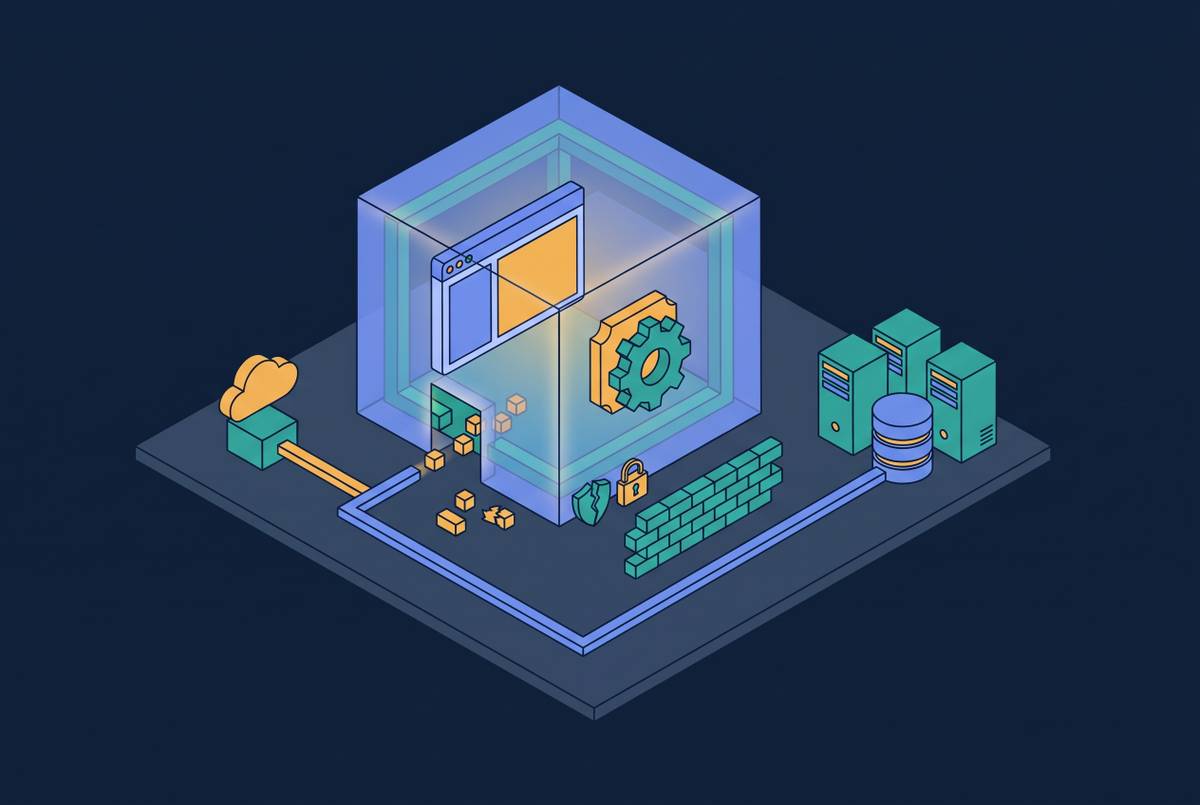
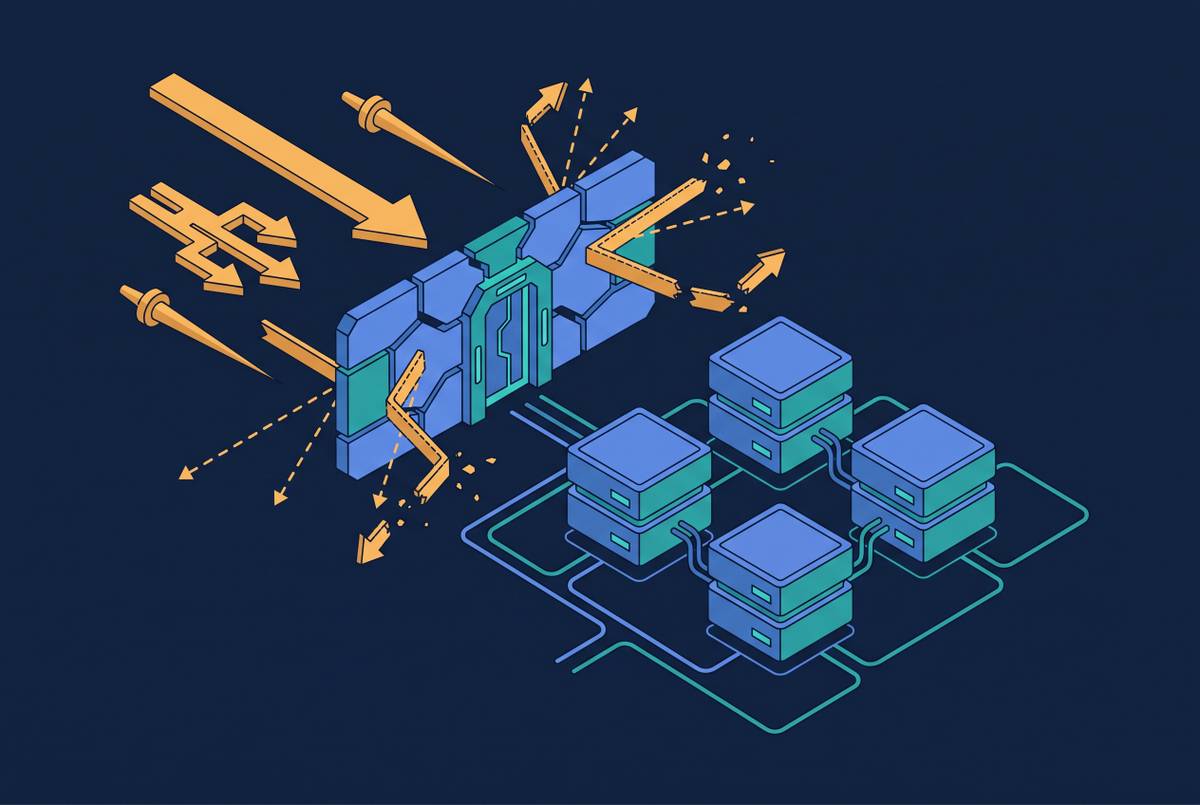
Headless browsers expose internal systems through SSRF gaps and JavaScript sandbox escapes.
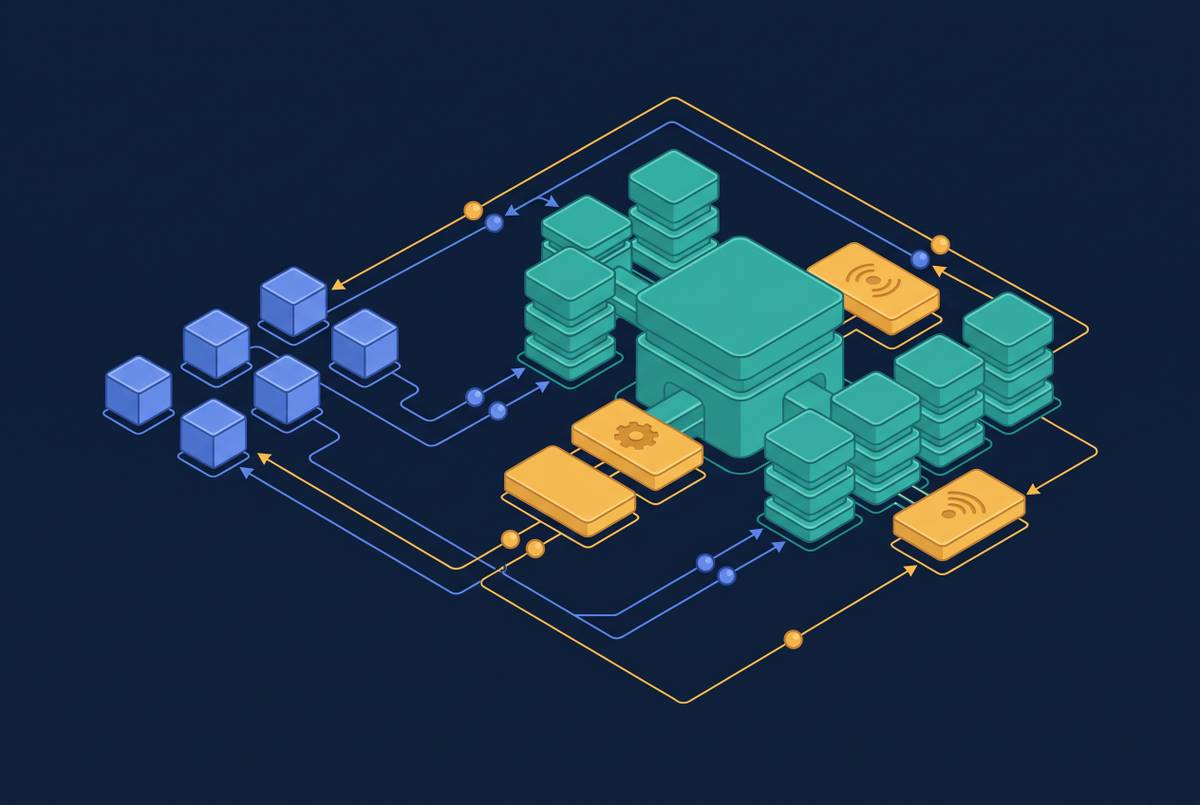
Production web automation requires network infrastructure beyond the browser itself.
Architecture beneath the surface explains why frameworks perform differently on identical test code.
Agents need discrete, retryable steps with durable state to run cost-effectively on serverless.
Browser tests require explicit OS resource and display configuration that timeouts alone cannot fix.
Headless mode requires explicit configuration to run reliably in CI pipelines.
The rendering engine runs in full while the window disappears.
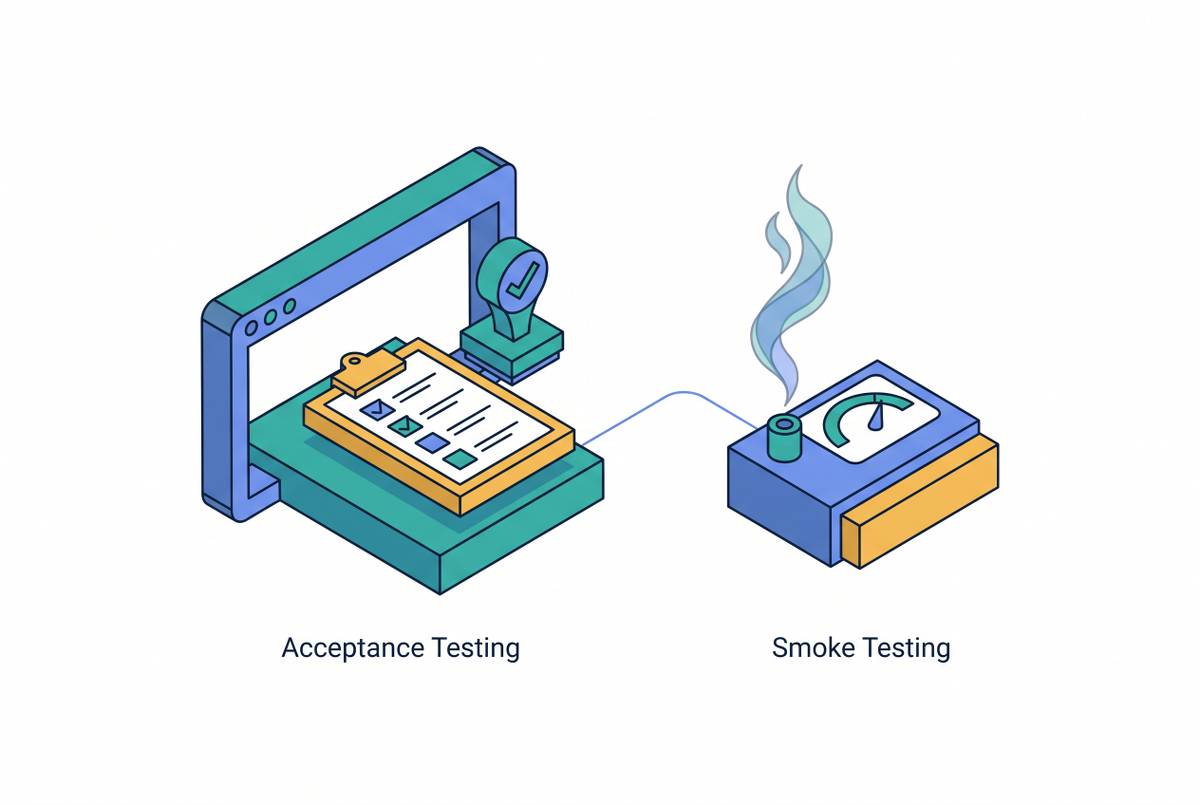
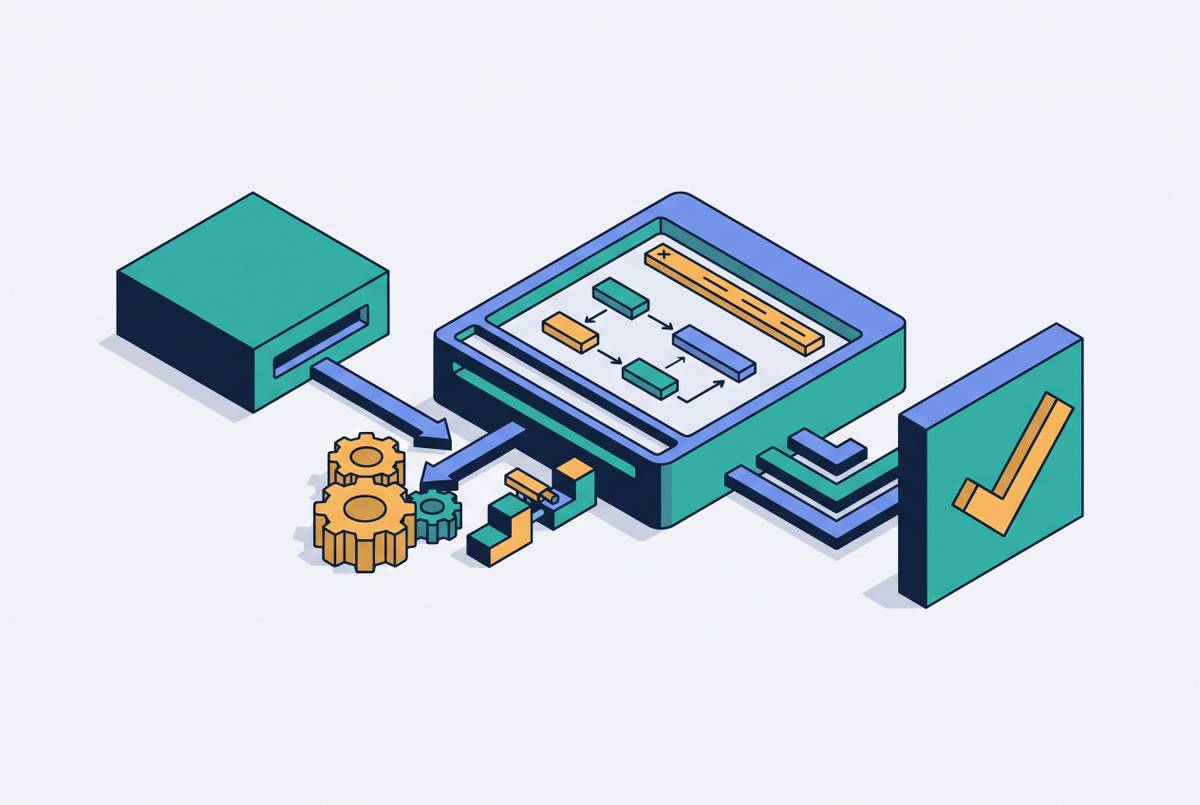
Smoke tests verify builds are testable; acceptance tests confirm they meet business needs.
Container hardware constraints slow execution and rendering differently than local machines.
AI agents triage visual changes, separating real bugs from rendering noise.
V8 isolates eliminate cold starts by running thousands of browser sessions in a single warm process.
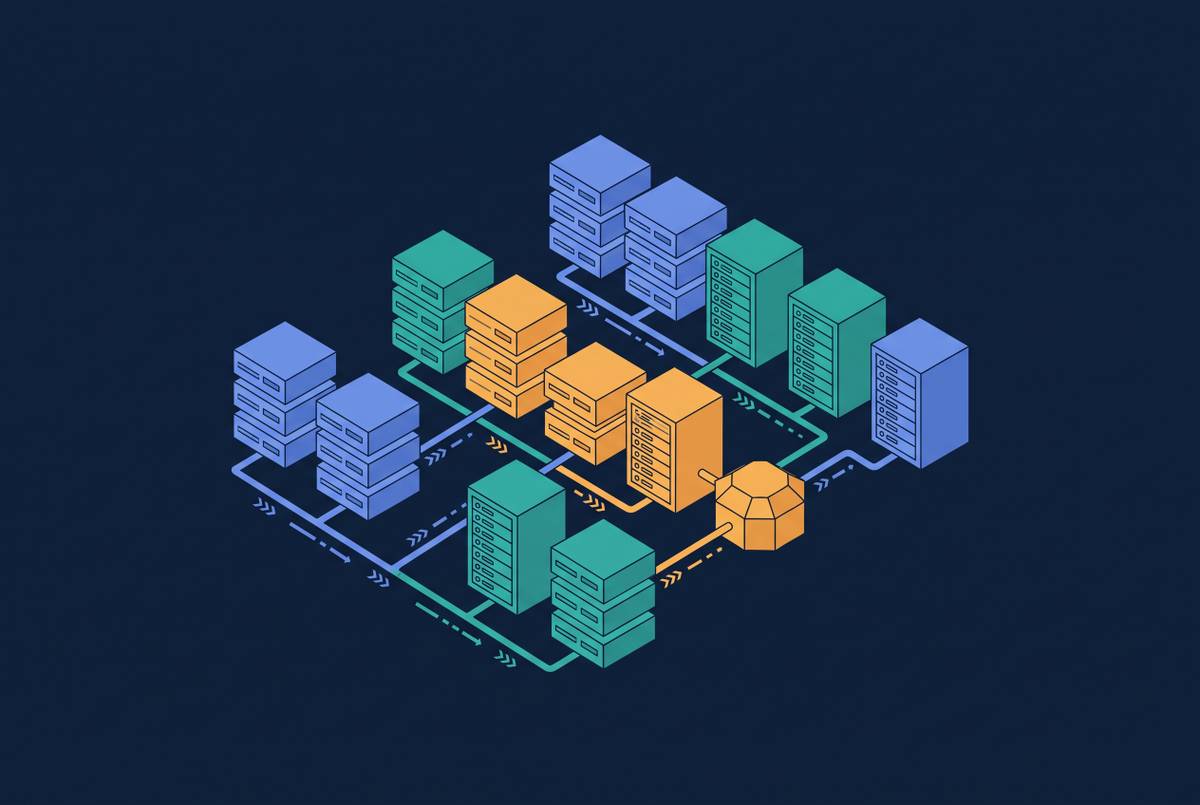
Headless browsers eliminate graphics overhead to run tests faster and in parallel on CI servers.
Browser agents fail at scale when infrastructure, not reasoning, breaks down.
Stateless HTTP transport finally makes serverless and edge deployment viable for MCP servers.
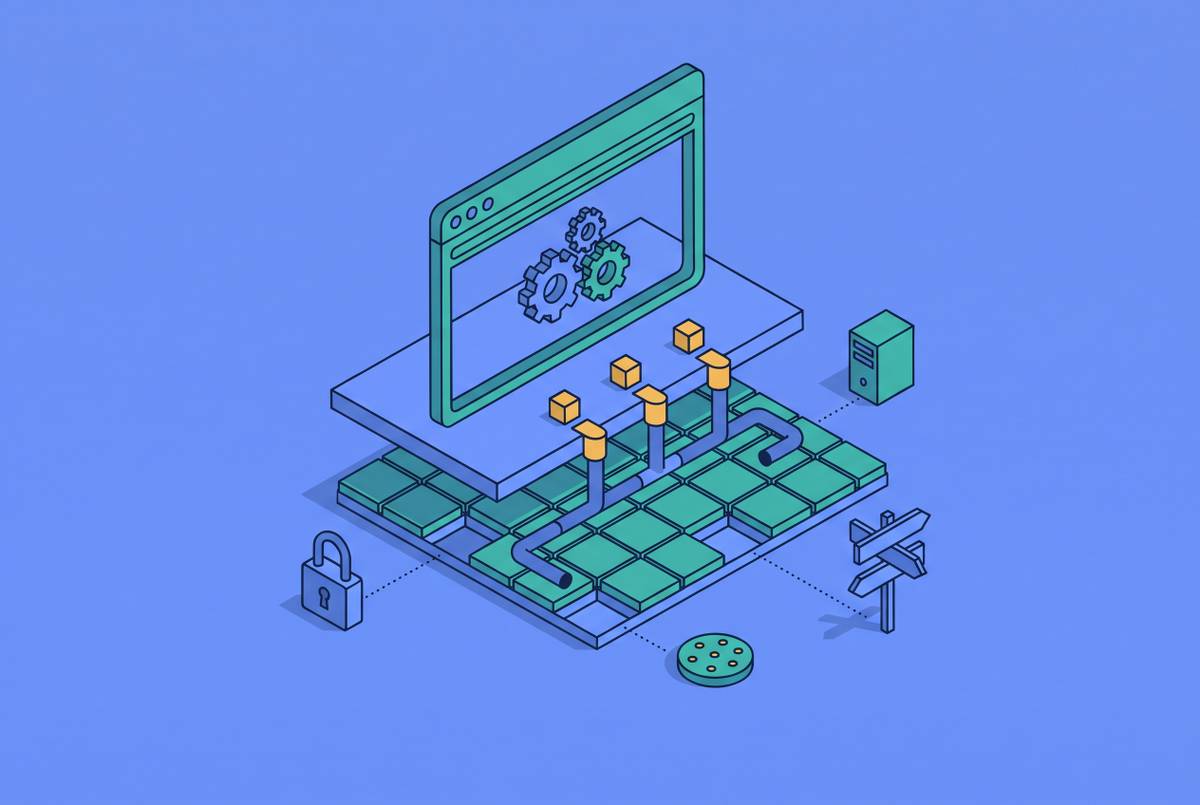
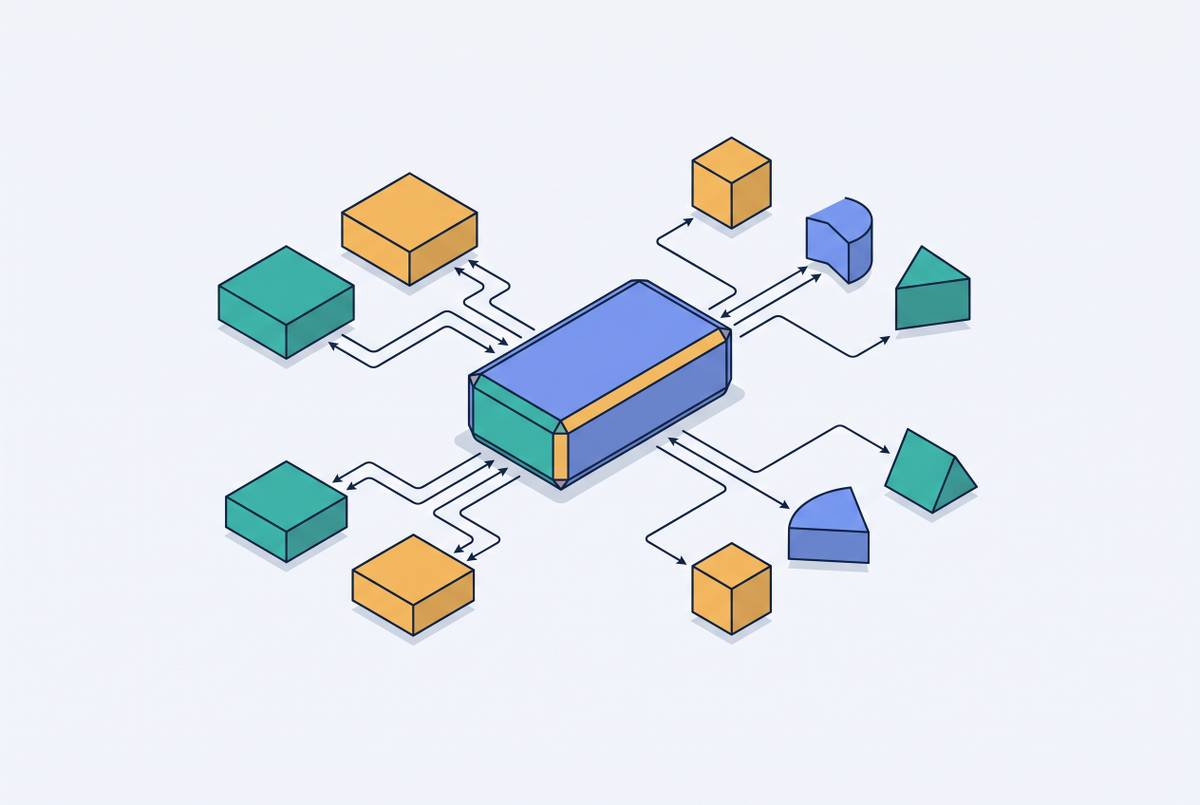
Understanding the four-layer architecture that powers browser automation.
How a standard protocol unified AI's chaotic tool-calling landscape.
Security flaws in MCP servers expose AI agents to tool poisoning and credential theft.
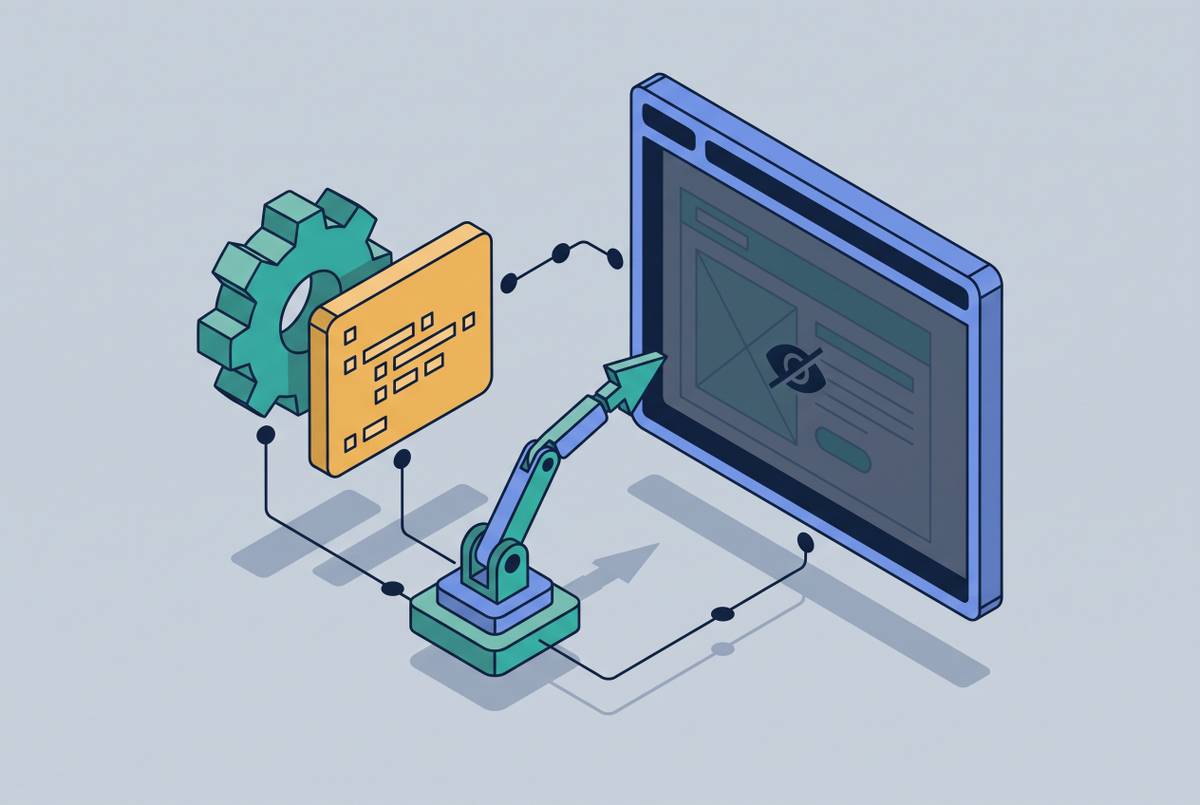
A browser engine that runs without a visible window, controlled by code instead of a mouse.