Why Headless Browser Tests Need Different CI Config Than Unit Tests
Browser tests require explicit OS resource and display configuration that timeouts alone cannot fix.
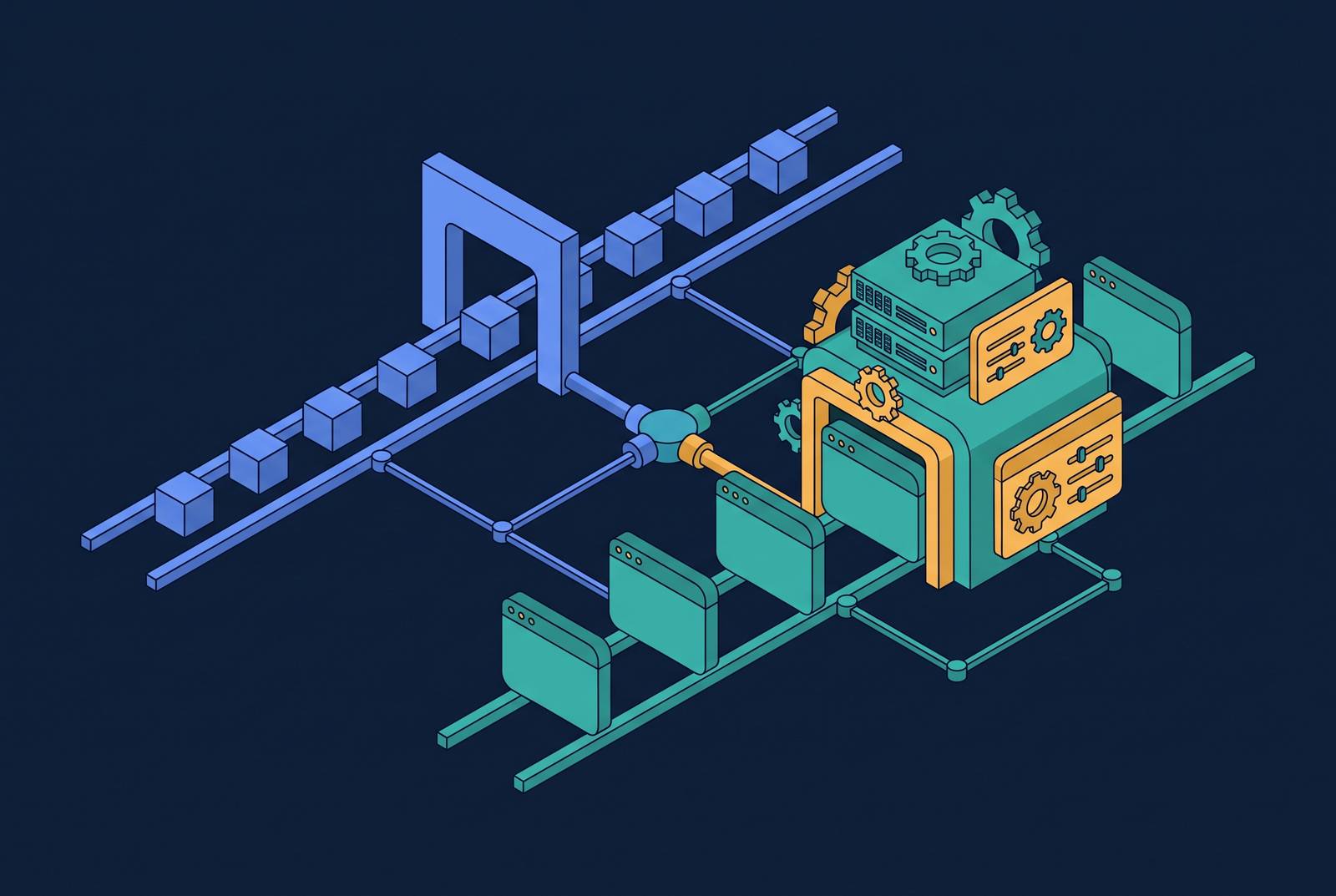
Headless browser tests need different CI configuration because they are not simply slower unit tests. They run a browser engine that needs operating-system resources, the right rendering conditions, and access through network security. A reliable pipeline must configure that environment explicitly, rather than treat the browser as another test function with a longer timeout.
What headless browsers actually do that unit tests do not
A unit test runs in-process with a language runtime, typically doing little CPU work and starting in milliseconds. A headless test instead launches Chromium, Firefox, or WebKit. That engine parses HTML, executes JavaScript, builds the DOM, applies CSS, and fires network requests. It does this without painting pixels to a screen, but the absence of a visible window does not remove the work of being a browser. The process must still negotiate with the operating system for memory, shared storage, display abstractions, and networking.
The important boundary is therefore not between fast and slow execution, but between a function and the environment required to exercise an application through a browser. The runtime is enough to support the unit test described here. It is only part of what supports the browser test. This difference explains why changing a test runner’s timeout cannot resolve every headless failure. Some failures belong to the process hosting the test.
The memory and shared-storage constraints that change CI resource planning
Memory makes that distinction concrete. A headless browser uses significantly less memory than a headed browser, yet still consumes far more than a typical unit test function. Removing the visible interface reduces the resource burden without reducing it to the scale of an in-process test. Resource planning must account for the browser instances that the job will actually launch.
Memory availability depends on both where memory is available and how much the runner has. Chrome uses /dev/shm for temporary files, while Docker gives that shared-memory area a default size that can be insufficient for Chrome. Heavy DOM pages or multiple tabs can exhaust it and crash the browser. The --disable-dev-shm-usage flag redirects that work to /tmp instead. Without the flag, Chrome continues to use /dev/shm, so the configuration change addresses a specific storage constraint rather than a general shortage of test-runner capacity.
That constraint also changes the meaning of parallelism. A mid-size runner supports only a small number of headed browser workers before slowdown, while headless execution raises that ceiling meaningfully. The gain can shorten feedback loops, but it does not make concurrency free. Each additional worker still needs browser resources. Plan for the number of browsers the configured runner can sustain.
The display abstraction problem and why sandbox flags are required in containers
Resource allocation is only one part of the browser’s operating-system contract. Most CI servers, including GitHub Actions, GitLab CI, and Jenkins, have no display server. Headless Chrome can run without a virtual framebuffer, which makes it suitable for that environment. It must nevertheless operate without the display primitives normally available on a developer’s machine.
When Chrome runs as root in a Docker container, --no-sandbox disables its sandbox security layer so that it can run in that setting. The trade-off is explicit and accepted in containerized CI where the surrounding isolation is understood. It still reduces security, so it is not a general launch default for every environment. GPU configuration needs a different qualification. Although --disable-gpu eliminates the GPU compositing process, it is usually unnecessary on Linux CI servers or modern macOS and Windows.
Browser identity is another part of this contract. In Playwright, a bundled Chromium shell and full Chrome selected through the Chrome channel are distinct binary choices. The CI job therefore needs to specify which browser it runs. That choice matters when interpreting fidelity, because “headless” alone does not identify the executable whose behavior the test records.
Viewport defaults and timing assumptions that break layout-sensitive tests silently
Without an explicit --window-size argument or viewport setting, headless Chrome defaults to 800×600. That size can trigger tablet CSS layouts instead of the desktop layout the test author expects. The browser may be rendering correctly for its viewport while the assertion assumes a different screen. With this failure, infrastructure gives no clear sign that it is at fault, as it would with a crash.
The first issue to settle is therefore which layout the test is intended to exercise. An explicit viewport makes that premise part of the configuration instead of an assumption carried over from local development. Unit tests do not have an equivalent screen-resolution dependency. In browser tests, however, the viewport helps determine the application state visible to the assertion. Leaving it unspecified means accepting a consequential default.
Timing follows the same pattern. CI and local runs can have different resource and timing conditions, so a fixed delay is not a reliable statement that the page is ready. Tests must wait for the state they need, including element visibility, network idle, or DOM mutation. The goal is to make the condition for proceeding explicit, just as viewport configuration makes the intended layout explicit.
What the observability gap means for debugging failures that only happen in CI
At 2 AM, when a headless browser test fails, there is no visible DevTools panel to inspect. There may be a screenshot, a video trace if collection was wired up, and a log. A unit-test stack trace and log output can be sufficient to diagnose a failure locally. A browser failure instead raises questions about what the page displayed and which state the session reached. To answer those questions, the pipeline must have been set up to capture evidence.
The same test may pass when it runs locally in headed mode. The developer’s machine and the CI container differ in their rendering environments, so the reproduction changes part of the system under examination. BrowserStack’s Playwright guide frames headless mode as one part of a testing setup. Its value does not erase the limits on what can be observed during an unattended run.
Artifact collection consequently belongs in CI configuration from the start. Screenshots on failure and video traces for complex flows keep a record of what happened when no one can inspect the browser directly. The team also needs to choose retention settings, log levels, and how to set up trace collection. These are a distinct maintenance obligation created by testing through an invisible browser session.
Local versus hosted execution and what each demands from the team
Momentic distinguishes local, hosted, and hybrid execution as ways to divide control and maintenance. With local execution, browsers run on the team’s own machines or CI infrastructure. It gives control over browser versions, dependencies, network settings, and environment variables. That control matters for specialist scenarios and private-network applications, including access through a VPN or localhost.
The cost is maintaining that environment on every CI agent. The team must install and update browsers and system dependencies, and also look after certificates, proxy configuration, and parallel process management. The work grows with the agent count. Hosted execution transfers that infrastructure burden to a provider and makes parallelization easier. In return, the team pays usage-based costs and must weigh how the provider handles security, data transfer, and storage compliance.
A hybrid model can keep private-network tests local while running other tests on hosted infrastructure. That division still requires governance over which tests run where and how environment differences are managed. For internal developer platforms and edge-deployed services behind private networks, reachability from the runner remains a prerequisite. Hosted execution may need additional tunneling to satisfy it. The choice is therefore not simply who launches the browser, but who controls the conditions under which it can reach and exercise the application.
How headless browser tests interact with bot detection and WAF rules in CI
Reaching the application does not guarantee that the browser session will be admitted. Headless browsers expose a detectable environment, and WAFs and bot-detection systems are designed to distinguish automation from human traffic. A CI session that is rejected can therefore fail even when application logic is working. The browser must also get past this security-policy boundary when it connects over the network. Unit tests that run code in-process do not cross that boundary.
The detection mechanism is broader than an IP address or User-Agent string. Modern WAFs use TLS/JA4 handshake analysis and behavioral signals, and browser-layer protection can also run a script inside the live session. That script can check environmental signals that a network-layer WAF cannot see. Even if a session passes a navigator.webdriver check, zero plugins, absent media devices, and software-rendered Canvas can form a composite picture of automation. No single check needs to explain the result on its own.
The practical response is to align legitimate test traffic with the environment’s security rules, rather than treat every rejection as a browser defect. The CI configuration may need to include runner IP allow-listing, changes to WAF rules for test environments, or dedicated test-environment URLs that bypass production bot detection. These are decisions about where automated tests are permitted to run. When applications run on globally distributed edge infrastructure with active WAF and bot-management rules, teams must plan for those rules as they design the pipeline. If teams discover that need only after tests fail, network policy can look like an application regression.
The specific CI configuration changes that follow from all of the above
The resource distinction maps to explicit job-level memory limits and CPU reservations. The shared-storage constraint maps to --disable-dev-shm-usage in the container’s browser launch configuration. Running Chrome as root in Docker maps to --no-sandbox, with the security trade-off understood. GPU handling remains environment-dependent, so --disable-gpu is not a blanket requirement. These launch decisions belong in the job definition.
Layout sensitivity maps to a global viewport, such as 1280×720, and a stable --window-size argument set in the CI job or playwright.config.ts. Timing sensitivity maps to a team convention of state-based waits. The observability gap maps to declared screenshot-on-failure and video trace collection, with retention and log settings treated as maintained configuration. For browser fidelity, the job needs a known binary, either the bundled Chromium shell or full Chrome chosen through the Chrome channel. That binary also needs a scheduled update policy so that test results remain tied to an identifiable browser version.
Execution ownership maps to a deliberate local, hosted, or hybrid arrangement, with private-network reachability included in that decision. For WAF-protected targets, the pipeline needs a step for runner IP allow-listing or test-environment routing. These choices establish not only whether the browser can start, but where its traffic is allowed to go. They also keep environment management separate from the logic of individual tests.
Finally, worker parallelism must follow the browser resource budget. For globally distributed applications, geographic test routing must also account for location-sensitive behavior that a single-region runner would miss. Capacity and location thus become linked CI design considerations.