Running Selenium in Headless Mode
Headless mode requires explicit configuration to run reliably in CI pipelines.
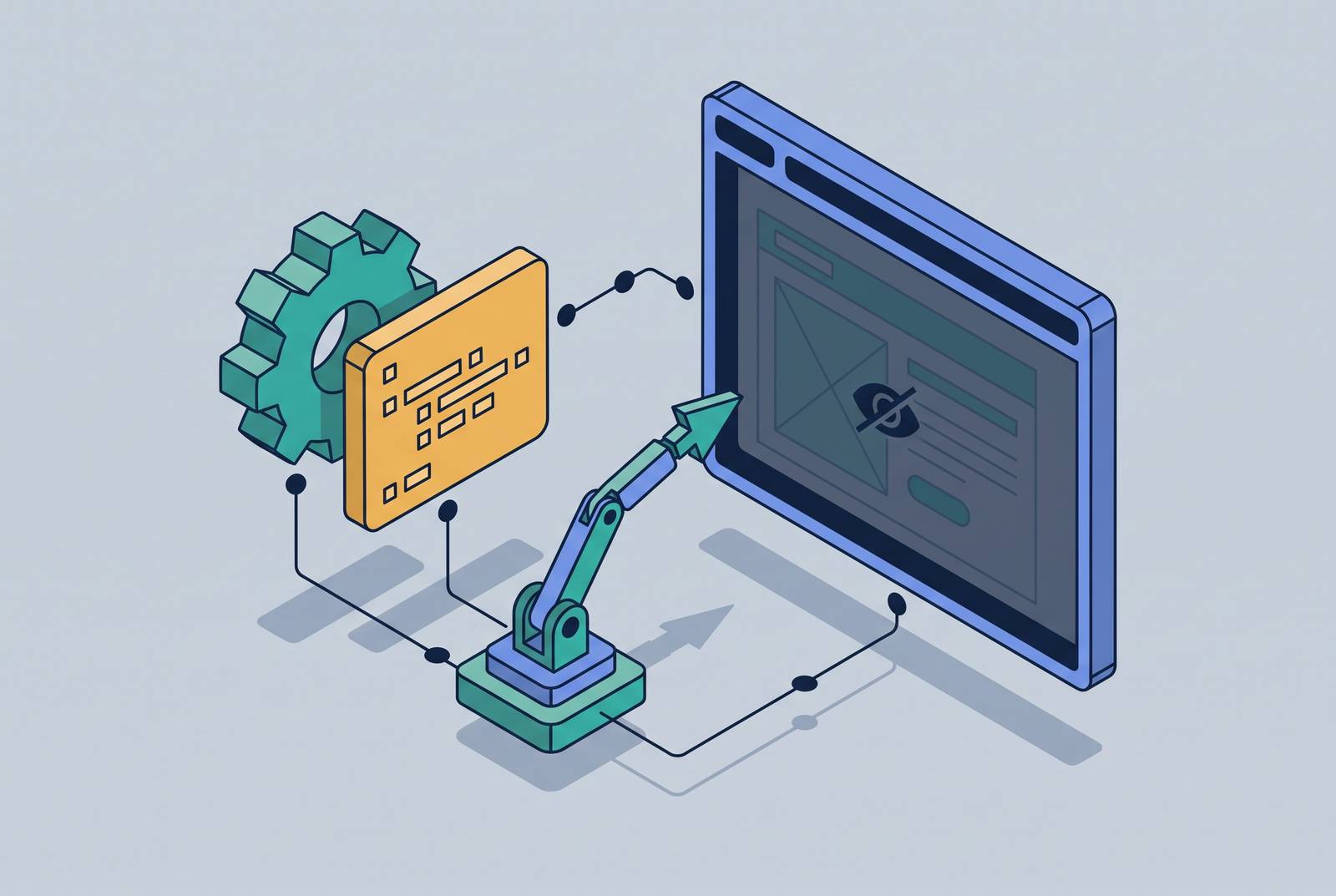
Running Selenium in headless mode is now standard for CI/CD and containerized testing, but removing the browser window does not remove the need to control the browser environment. For tests to run reliably, the headless implementation must be the right one, the viewport must be set explicitly, and the browser configuration must fit the pipeline. Headless mode is a strong default for regression testing, with other forms of validation still needed for production.
What headless mode actually does and why it became the CI/CD default
A headless browser still loads HTML, executes JavaScript, processes CSS, builds the DOM, and handles network requests. Only the visible display disappears. Chrome, Firefox, and Edge run their browser engines without painting pixels to a screen.
That distinction separates modern headless execution from tools that only approximated the browser environment. HtmlUnitDriver imitated a browser without using a real browser engine. PhantomJS used a real but outdated WebKit engine, so its behavior could diverge from the browsers people actually used. Modern headless mode avoids that mismatch by running the browser itself, though how it is built and set up still matters.
Docker containers have no display by default, so browser tests need an execution mode that does not depend on one. Headless mode meets that requirement without adding a virtual display server. Its role in CI starts with this practical fit, rather than with a promise that every test will run faster or behave identically under every configuration.
The Chrome headless split: why --headless=new changed what your tests actually run
The legacy --headless implementation, later identified as --headless=old, used a separate rendering pipeline. Because the pipelines were separate, JavaScript behavior and CSS rendering differed slightly from headed Chrome. A test could therefore run in Chrome yet still follow a different rendering path from the one used by a person browsing with a visible window.
Chrome 112 introduced --headless=new, which uses the same rendering pipeline as headed Chrome. This change removed the differences in behavior that came from the separate implementation. Chrome kept both implementations until Chrome 132 removed the old one from the main binary. Migration consequently requires checking both whether headless mode is enabled and which implementation the browser version and arguments select.
The options.headless = True property was removed in Selenium 4.10, so code relying on it must move to the explicit argument form. Firefox has no corresponding old-versus-new migration, because its --headless flag has been stable since Firefox 56. Like Chrome, Edge uses --headless=new, passed through EdgeOptions. These differences make browser-specific options more precise than treating “headless” as one interchangeable switch.
Correct configuration for Chrome, Firefox, and Edge in Python, Java, and Node.js
For Chrome in Python, the CI/Docker configuration starts with --headless=new in the browser options. The viewport must also be set through --window-size, with the dimensions chosen for the test. The notes’ baseline setup includes --disable-dev-shm-usage to keep Docker from crashing because /dev/shm is usually small. It also includes --disable-gpu for headless execution without display-backed GPU acceleration.
For Java projects using Selenide, Configuration.headless = true is the master switch. Selenide passes the appropriate headless flags to Chrome and Firefox, while Configuration.browserSize = "1920x1080" sets the browser size. This framework-level setting is distinct from Selenium’s removed options.headless = True property. When code passes ChromeOptions directly, --headless=new states which implementation to use. A bare --headless argument is not a version-independent way to request legacy behavior, given Chrome’s implementation changes and removal of the old mode.
For Node.js with selenium-webdriver, Chrome uses the same browser arguments through a different API. options.addArguments('--headless=new') selects modern headless execution. A further argument such as options.addArguments('--window-size=1920,1080') supplies the target dimensions. The meaning of those flags does not change with the programming language. The configuration must still account for the environment in which Chrome will run, rather than treating a successful local launch as proof that the container is ready.
Firefox uses --headless or -headless through FirefoxOptions. Its dimensions are set separately with --width=1920 and --height=1080. Edge provides a clean parallel to Chrome by accepting --headless=new through EdgeOptions. Since Selenium 4.6, Selenium Manager handles driver downloads automatically, removing the need for manual ChromeDriver or GeckoDriver setup in that workflow. Browser arguments and driver provisioning nevertheless remain separate parts of the setup, particularly when a container explicitly installs its own browser and driver.
The viewport trap and other headless-specific failures that look like test flakiness
Most headless-specific failures begin with an uncontrolled default. Without a display, browsers default to a small viewport that can be narrower than the production layout under test. The resulting responsive layout may differ from the one the test expects. Setting --window-size explicitly on every run removes that ambiguity. Check whether the test is exercising the intended layout before investigating whether Selenium has become flaky.
A desktop-sized viewport is no more appropriate for a mobile test than a small default viewport is for a desktop test. Mobile emulation needs the dimensions of the target device. Chrome’s mobileEmulation experimental option supports that configuration in headless mode. The viewport must be a deliberate test condition.
Interaction and timing failures need different remedies. When a standard click method fails in headless execution, JavaScript execution with arguments[0].click() resolves most such cases. When dynamic content is not ready, however, changing the click mechanism does not make it ready sooner. Headless tests can outrun page behavior and expose race conditions that headed execution hides. Explicit waits with WebDriverWait and expected conditions handle that race, while time.sleep() does not state the condition the test needs.
Finding the cause is harder without a visible window, but the browser can still be inspected. Screenshots taken with driver.save_screenshot() at failure points provide a view of the page state. Structured logging supplies another source of evidence, while --remote-debugging-port=9222 exposes the DevTools Protocol for inspection. Together, these tools help distinguish a layout mismatch from a timing failure. They also help distinguish genuinely unsupported features from transient failures.
Running headless Selenium in Docker and setting up CI pipelines on GitHub Actions, Jenkins, and Azure DevOps
A working local virtual environment does not establish that the same test will run in Docker. The container must provide the browser and the runtime configuration that local execution already has. The container build pattern starts from a slim base, such as python:3.11-slim or openjdk:21-slim, and explicitly installs google-chrome-stable or chromium and its driver. When using the system Chromium package, it also sets CHROME_BIN and updates PATH. This makes browser provisioning part of the container rather than an assumption inherited from the developer’s machine.
Chrome running as root inside a container requires both --no-sandbox and --disable-dev-shm-usage in the setup described here. Omitting either can cause browser crashes, a separate outcome from clean test failures. That distinction matters because a browser process that cannot run reliably is not evidence of a broken page. Shared-memory configuration belongs to the container diagnosis, even though it is expressed as a browser argument. The local and CI environments must therefore agree on more than the headless flag alone.
On GitHub Actions, headless and browser flags should pass through system properties or environment variables. This keeps deployment configuration separate from the behavior the tests exercise. Jenkins and Azure DevOps run on servers without displays, so the same headless configuration applies there. Headless-compatible tests do not need Xvfb on these servers. A virtual display is needed only when a test needs more than the headless environment can support.
For parallel execution, Selenium Grid in Docker Compose is the practical starting point for a small or predictable fleet on one machine. It addresses that scope without making multi-node orchestration the first problem to solve. Kubernetes is worth the extra complexity when the Grid is a shared service that needs to run across nodes, recover automatically, and scale with demand. The decision turns on the fleet’s operating requirements. Container setup and fleet architecture are related, but they are not the same decision.
Performance gains from headless mode and how parallelization multiplies them
Headless execution is meaningfully faster and lighter than headed execution, which makes it more than a workaround for servers without displays. The advantage matters across a CI pipeline because browser execution repeats across tests and runs. The performance case here is qualitative, with the percentage gain left unquantified. The useful distinction is between shortening an individual test and increasing the number of tests that can run together. Headless mode contributes to both.
Memory reduction per browser instance is the key lever for parallelization. The same machine can run more headless instances side by side than headed ones. That allows the browser fleet to expand its concurrent workload without adding hardware. Individual tests becoming faster and more tests running at once are separate gains that compound at pipeline scale. This is why the resource footprint can matter as much as the duration of one test.
Faster execution also reduces CI queue time and cloud compute minutes. On platforms charging by the minute, those savings accumulate across pull requests and pipeline runs. But speed strengthens the need for synchronization. A test that moves faster than page animations expect may expose a race that appeared harmless in headed execution. Explicit waits are therefore necessary to make the performance gain usable.
What headless mode cannot do and when a different approach is the right answer
Headless Selenium covers most UI testing needs, but rendering parity does not mean unlimited feature coverage. Legacy headless lacked PDF rendering and some CSS features that are available with --headless=new. Limits on clipboard operations, getUserMedia, and browser extensions also need to be checked, especially when running old headless through chrome-headless-shell. These cases differ from viewport or timing mistakes because configuration cannot turn every unsupported capability into a supported one. The implementation matters when deciding whether a failure is fixable within headless mode.
GPU-dependent tests present another boundary. GPU-accelerated rendering and WebGL are unavailable by default in the headless setup described here. SwiftShader, a software GPU renderer, can be enabled with --use-gl=swiftshader for canvas-heavy tests. Tests that need a display-dependent environment can use Xvfb on Linux. Xvfb gives the browser a virtual display without a physical one, which helps with tests that need a display for rendering, clipboard operations, or camera and microphone behavior.
Automation detection is a separate concern from page correctness. Stock Selenium headless exposes signals, including navigator.webdriver flags, that bot detection systems can use to identify and block automated traffic. A correctly configured regression test does not by itself resolve that issue. Teams that need to check real cross-browser rendering or test against production-grade bot detection may benefit from using actual remote browsers through a cloud browser service. That is a broader testing scope than running a local headless instance in a CI container.
For early-stage and regression testing in CI, headless execution offers the right default when its environment is explicit and its supported features match the workload. For production sign-off, it complements validation on real browsers. Reliable headless testing comes from controlling what it can reproduce and recognizing what it cannot.