Why Headless Browsers Fail in CI and How to Fix Them
Diagnose headless browser failures by identifying their root cause before adjusting configuration.
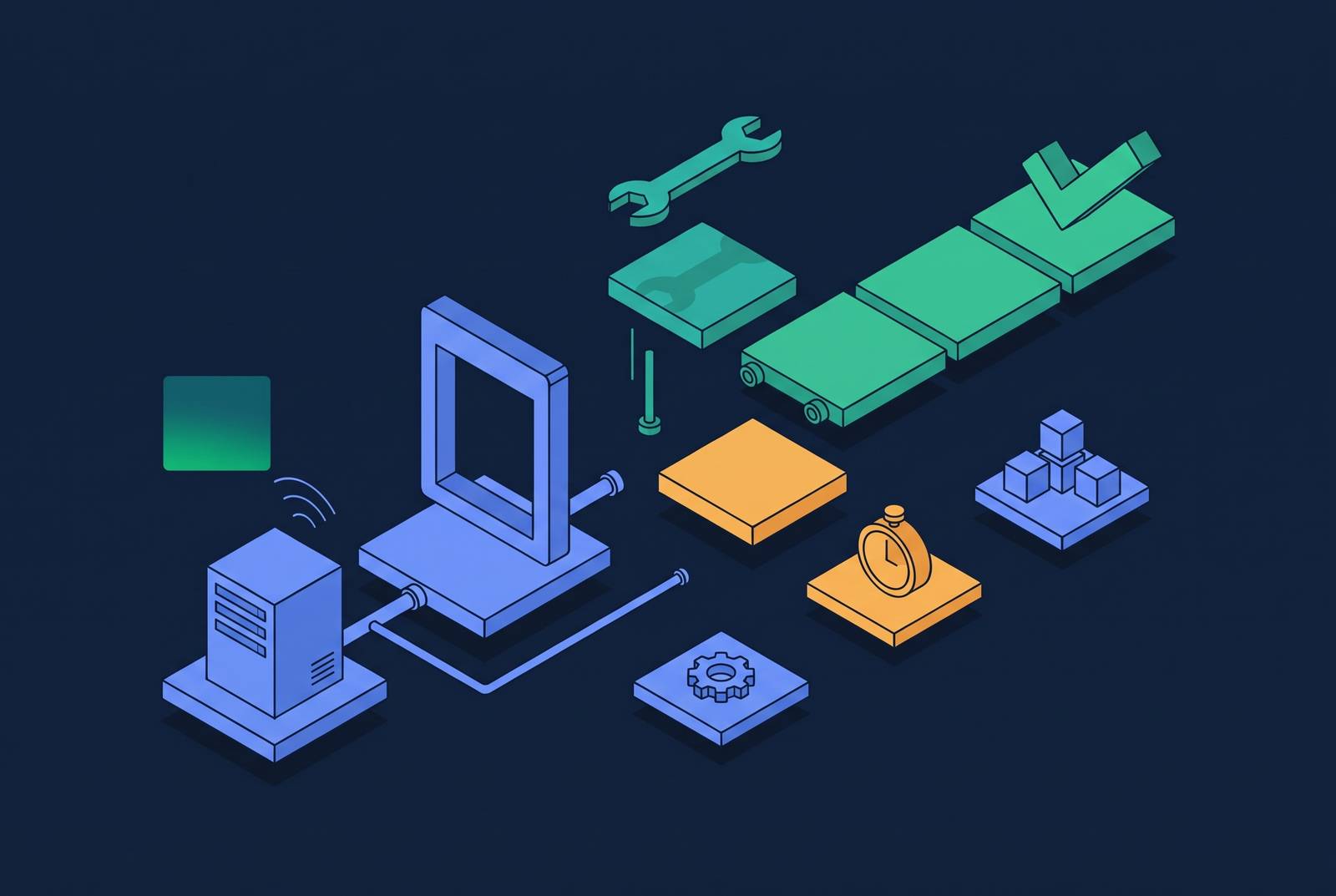
Headless browser failures in CI usually come from four diagnosable causes, namely missing displays, differences between headed and headless execution, timing races, and resource constraints. The fix depends on identifying the cause before changing the configuration. A browser that cannot start needs a different response from one that renders differently, evaluates a page too early, or runs out of memory.
Why headless browser failures in CI are not random
Chrome may exit abnormally on launch, producing a hard crash. Alternatively, the driver may wait silently for a display connection until the pipeline exhausts its timeout, often wasting 6–10 minutes. Intermittent failures are harder to classify because they undermine trust in the suite without producing a clear error.
These are symptoms. A missing display can cause both the hard crash and the silent hang, while intermittent failures can come from rendering differences, asynchronous behavior, or memory pressure. That distinction gives the investigation a useful starting point. Which stage failed, and what evidence separates one cause from another?
The no-display crash and why the obvious workaround is wrong
A runner without a display cannot launch headed Chrome merely because the test framework expects it to. Selenium can expose this failure through the recognizable error selenium.common.exceptions.WebDriverException: Message: unknown error: DevToolsActivePort file doesn't exist. The browser never reaches the test itself. Installing Xvfb and wrapping Chrome in a virtual display is a fragile, slow workaround that adds unnecessary infrastructure complexity when Chrome has supported headless mode since 2017.
The WebJourney GitHub project illustrates how local success can conceal this dependency. Its regular Maven Build ran on windows-latest with a display, while its Release workflow ran on display-less ubuntu-latest. Non-headless Chrome exited there with "session not created: Chrome instance exited", failing both tests and the release build. The workflows exercised different launch conditions. The applied fix was to mock isHeadless() as true for integration tests.
The same project also exposed a subtler configuration conflict. Its build_chrome_args() dropped --headless=new on purpose when extensions were present because Chrome's old headless mode did not inject content scripts. However, the new headless mode in Chrome 112+ supports them, so the inherited rule forced headed execution unnecessarily and triggered "Missing X server or $DISPLAY" on CI. The fix replaced the extension flag with a userAgent parameter that remained part of the launch hash while working headlessly.
Failures that come from headless and headed modes not being identical
Is CI actually running the same browser environment as the developer's machine? A test that consistently passes headed and fails headlessly signals a concrete difference. Font rendering and anti-aliasing are common suspects, but media autoplay and codec support can differ too. Focus, hover, keyboard handling, viewport dimensions, device scale factor, userAgent, GPU behavior, and CSS animation rendering also belong in that comparison.
The ps2-elite-kd project documented a specific example in October 2026. Headless Chromium reported no hover or pointer capability, so matchMedia('(hover: hover) and (pointer: fine)') never matched. The fix let test helpers use the HEADFUL environment variable so desktop tests could run headed under xvfb-run while mobile tests stayed headless. This is a different use of a virtual display. It supplies behavior the desktop test needs rather than disguising an accidental dependency on headed startup.
Playwright introduces another distinction that can be easy to overlook. Since v1.49, its default Chromium headless path uses the lightweight chromium-headless-shell binary, while channel: 'chromium' selects the full Chromium, or Chrome for Testing, build. Those binaries rasterize fonts and handle the GPU differently, producing systematic screenshot differences unrelated to test logic. The recommended response is to select channel: 'chromium' when both modes need the same binary. Explicitly pinning the viewport addresses a separate source of divergence, so the appropriate change depends on what the failing test reveals.
Stale events and timing races that only surface under CI conditions
Matching browser behavior does not guarantee matching execution timing. CI runners are slower than developer laptops, and CPU constraints can expose races that local speed masks. Headless execution amplifies that sensitivity. Diagnosis therefore shifts from what the browser supports to what has actually completed when the next operation begins.
The same project's navigation helpers show the distinction concretely. Page.navigate can answer before the page has parsed, while an inline <script> in the body waits for styles.css. An immediate Runtime.evaluate can consequently find no #analyzeBtn and fail. The recommended fix was to copy the existing nav() wait pattern into the other test helpers.
Validate event preconditions rather than assume that a response or elapsed interval proves readiness. A stale event or premature evaluation is a synchronization problem, so simply raising a timeout does not establish the missing condition. For slow pages, the notes recommend waitForLoadState('networkidle'), and asynchronous operations need to be checked for races. What state must be true before this operation can succeed, and does the helper wait for that state?
Resource exhaustion and Docker's hidden shared memory limit
Resource pressure can amplify those timing problems, but it can also terminate the browser outright. Running too many parallel Chromium workers for the available memory is a common CI mistake. Docker's default shared memory limit makes the situation worse by allowing processes to be killed before they produce a useful error. What looks like intermittent test instability may therefore be a repeatable mismatch between concurrency and capacity.
The browser's startup footprint is only a floor. A cold headless Chromium instance consumes between fifty and one hundred and fifty megabytes of resident memory before loading a page. Once it renders a typical modern page, it uses between three hundred and five hundred megabytes. Worker sizing based on the cold footprint therefore understates the memory the suite needs during execution.
The corrective action is to size concurrency for working memory and address Docker's shared memory constraint. These are related but distinct controls. Using fewer workers lowers the total memory they need, while the Docker configuration handles a limit that can stop browser processes that could otherwise keep running. Neither a longer timeout nor a rendering adjustment resolves an OOM kill.
Why debugging headless failures is harder without artifacts, and how to fix that
In a headless CI failure, there is no visible browser or DevTools session to inspect at the moment of failure. The investigation depends on evidence configured before the run. A generic timeout is often a missing failure report.
The SocketSweep pull request from October 2026 demonstrates that gap. A missing browser report produced only a generic timeout and stderr tail, making Linux failures difficult to distinguish from browser startup problems. The fix reported the selected browser and version, expected fixture, child status, elapsed time, and first and latest HTTP activity. It also made browser exits fail promptly, before the full report deadline. The agent-browser project also logged browser exit codes and HTTP activity milestones in CI to help find the cause of failures.
For Playwright, Trace Viewer provides a downloadable .zip trace that can be opened locally to inspect the failed run. The recommended baseline uses screenshot: 'only-on-failure', video: 'retain-on-failure', and trace: 'on-first-retry'. Without full tracing, console and network logging give a lighter record of what happened, and page console and pageerror listeners capture messages from the browser.
For Puppeteer and Selenium, a local headed run provides a complementary sanity check. Switching to headless: false makes broken selectors, unexpected redirects, and login failures visible. The environments still differ in the ways described earlier. It helps distinguish an obvious page-level failure from a problem that requires reproducing CI conditions.
A stable CI configuration that handles all four failure modes
The configuration should start with headless launch flags set explicitly instead of relying on defaults or environment detection. That addresses the missing-display path before test execution begins. It should also keep browser and package versions matched, because mismatches between the installed browser and test framework can consume hours of debugging. Version pinning establishes which environment the suite is meant to exercise.
To control rendering differences, the recommended setup uses a pinned Playwright Docker image such as mcr.microsoft.com/playwright:v1.64.1-noble across local and CI environments. Specific fonts should be installed in the Dockerfile instead of inherited accidentally from the base image. Screenshot-sensitive projects should set channel: 'chromium' so headed and headless execution share one binary. The viewport should also be explicit.
Timing requires a separate layer of configuration in the test helpers. They should use waitForLoadState with an explicit state instead of fixed waits, and validate event preconditions before evaluating page content. A pinned image cannot correct a race.
For resource control, Docker runs with multiple workers should include --ipc=host. The recommended starting limit for standard runners is workers: 4, or workers: process.env.CI? 4: undefined when that limit should apply only in CI. The working-memory ranges still govern whether the concurrency fits.
Every CI Playwright configuration should also take screenshots on failure, keep videos of failed runs, and trace the first retry. A browser exit must be distinguishable from a page that never becomes ready. Omitting artifacts leaves the next investigation without the information needed to identify the original defect.
When headless browser failures point to a deeper infrastructure problem
The fixes for each failure mode help with individual failures, but running many browser workers at once brings more work to keep them running. V8 memory leaks over successive navigations, zombie processes, and Chromium's size exceeding serverless layer limits need more than a fix to one launch flag. Lifecycle management becomes a separate problem. If processes are not recycled throughout the run, worker containers can reach kernel memory limits over time, causing OOM crash loops and zombie processes.
Managed, cloud-hosted browser infrastructure responds to that category of problem by handling browser lifecycle, observability, and bot-detection at the infrastructure layer. These services are purpose-built for testing and AI agent production workloads. Maintaining the browser fleet can become a sustained infrastructure responsibility beyond configuring the tests.
For AI agents that drive browsers, the same CI debugging techniques still work, but the infrastructure needs to do more. Is the team correcting a bounded configuration defect, or continually rebuilding the machinery needed to keep browser workers alive? Identifying that boundary is the next step after identifying the failure mode.