edge-native browser automation services compared
Infrastructure location determines browser automation performance for AI agents.
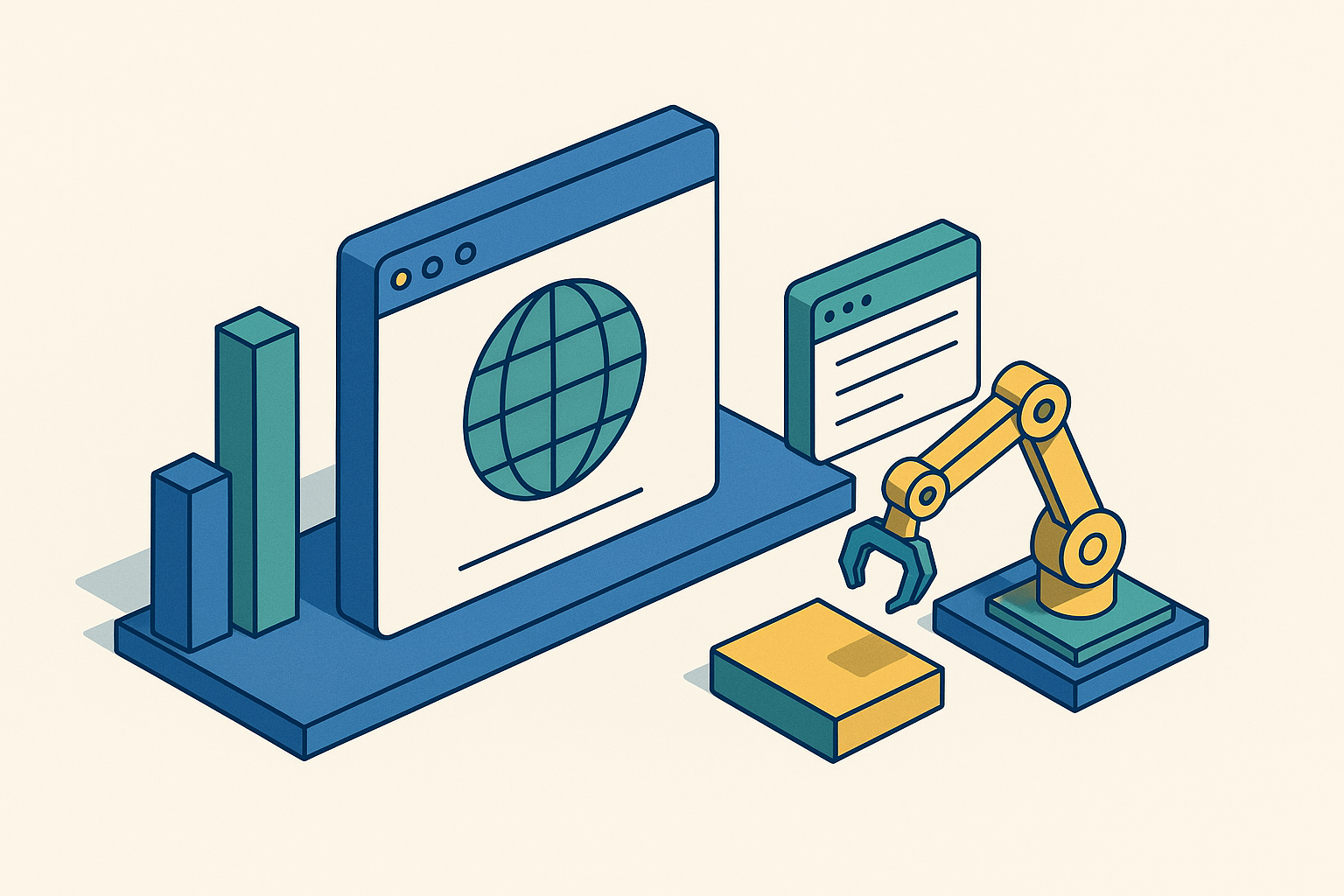
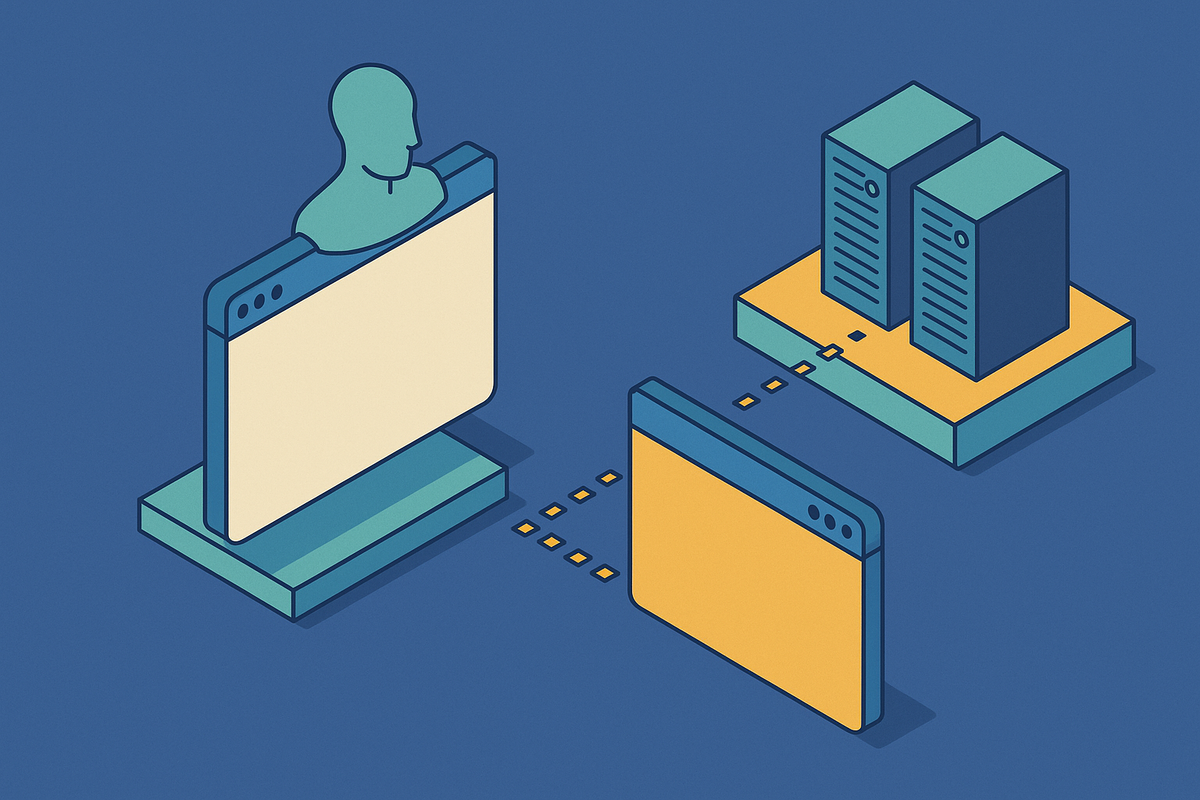
The old model was simple: write a Playwright or Puppeteer script, point it at a page, run it, done. That model is cracking under AI agents, which don't run once and quit. They spawn sessions, hold them open for minutes or hours, retry when a page loads wrong, and juggle several browsers at once through a workflow nobody scripted step by step. I spent a chunk of the last two years watching teams get blindsided by this, usually right around the point where "how do I automate this page" quietly turns into "how do I keep six hundred browser sessions alive, fast, and visible to a debugger, all at the same time." This piece walks through how different providers answer that second question, and more and more, the answer traces back to where the browser physically sits.
Two patterns of use run side by side right now. Deterministic scripted automation still earns its keep: explicit locators, explicit waits, explicit assertions, reliable as long as the workflow is stable enough to write down ahead of time. AI-native browser agents work differently. They plan, adapt, and retry toward a goal instead of following a fixed script, so the infrastructure underneath has to absorb a session count that moves, state that lives a long time, and retries nobody scheduled. Precedence Research put the agentic AI market at $7.55 billion in 2025, and projects close to $200 billion by 2034 at a 43.8% compound annual growth rate. Browser access to the open web is a core piece of that stack, and the real question, the one this piece keeps circling back to, is which layer of infrastructure can carry that load without buckling.
The architectural divide between traditional cloud-hosted and edge-native browser services
Most browser automation providers run instances in one region, maybe two, almost always inside a major cloud provider's data centers. A request from an agent travels to wherever that fixed region sits, no matter where the agent or the target site actually live. Cold-start latency, under that setup, comes down mostly to how fast the provider spins up a fresh instance in that one spot. Scaling means piling more capacity onto the same pool, again and again.
Edge-native architecture starts somewhere else entirely. Browser instances run across a spread-out network of points-of-presence, and anycast routing sends each session to whichever node sits closest to both the agent and the site it's reaching for. Cold-start latency turns into a function of geography instead of a queue backed up in one data center, and scaling happens sideways across the whole network instead of stacking upward in a single region.
So why does this matter for agents specifically, and not just regular web traffic? Agents chain browser calls together, one after another or several at once, and latency doesn't sit still across a workflow loop: it stacks. An agent that opens a page, waits, reads, clicks, and waits again pays that tax more than once per task, sometimes many times over. An agent serving users scattered across continents needs something close to even performance no matter where those users are, and one fixed region can't structurally deliver that. Long-lived agentic sessions also need to hold their state without routing back, every single time, through some distant server that happens to own the session.
There's a second angle here, and teams tend to shrug it off until a deployment forces the issue: does the browser layer sit on the same network as a company's CDN, WAF, and Zero Trust controls, or does it mean standing up a whole separate vendor relationship? Cloudflare, a global CDN and serverless edge platform that runs compute, security, and DDoS protection across 330+ data centers worldwide, is one provider that collapses that question by running the browser layer on the same backbone as its other network services. Easy to wave off in a planning doc. Much harder once something's actually live and something breaks at 2am.
What cold-start latency benchmarks actually reveal about provider architecture
Steel ran a benchmark of 5,000 sessions per provider on AWS EC2 in us-east-1, and it's about the most transparent comparison out there right now, credit where it's due. Steel's own data-plane cold start landed around 665 milliseconds. Hyperbrowser measured about 1.09 times that on the data-plane side, but Steel's own write-up notes that control-plane overhead "overwhelms it," meaning the API handshake eats back whatever the raw instance launch gained. Kernel came in around 1.45 times Steel's number, Browserbase around 1.97 times, and Anchor Browser around 2.17 times, the slowest of the group measured.
That's real data, and I'd take it seriously. But sit with what a single-region benchmark can actually tell you. It measures cold-start performance in one fixed location, which flatters whoever happens to be tuned for that exact region, and it says close to nothing about how these same providers behave serving someone in Singapore or Nairobi. It also flattens data-plane and control-plane into one number, when the Hyperbrowser result is proof those two numbers can pull in opposite directions. A fast instance launch wrapped inside a slow handshake isn't really a win. Call it a wash, at best.
What the benchmark leaves out matters just as much: warm-session reuse, persistent-context latency across a long agent run, performance spread across several regions running at once. Those happen to be exactly the dimensions edge-native architecture is built to improve on. The benchmark sets a decent floor, then. It just isn't the right surface for judging how these providers hold up under a globally distributed agentic workload, because that was never the problem it set out to measure.
Browserbase: purpose-built for agent workflows, with the ecosystem to show it
Browserbase doesn't build the agent itself. Developers bring their own logic, through Browser Use, Stagehand, or something homegrown, and Browserbase handles session management, persistence, and observability underneath it. The company says it processed 50 million sessions in 2025 across more than 1,000 customers, with a public roster that includes Perplexity, Clay, and others building agentic products on top.
The feature set reflects that agent-first focus pretty directly. Reusable browser contexts persist cookies and localStorage across runs, so an agent doesn't have to re-authenticate every time it wakes back up. Session replays and logs let teams actually see what an agent did and why, which matters a lot more once the agent starts making its own calls instead of following a fixed script. Custom proxy support and full Playwright and Puppeteer compatibility round it out, alongside a first-party MCP server tied into the Stagehand ecosystem.
Stagehand v3, released late in 2025, deserves a closer look; it's the clearest expression of the whole philosophy. It's rewritten directly on the Chrome DevTools Protocol, stripping out layers that used to sit between agent and browser. The LLM provider is swappable through a Model Gateway, so teams aren't locked into one vendor. The more interesting piece is automatic action caching: cache hits validate against a DOM hash, then run the stored selector directly instead of calling the LLM again. Browserbase reports up to 2x faster execution from this and roughly a 30% cost cut on repeat workflows, from caching alone, and that adds up fast when an agent runs the same workflow thousands of times a day.
Architecturally, this is still centralized cloud infrastructure, strong on features and ecosystem, running in fixed regions rather than across a distributed edge network. Browserbase holds SOC 2 Type II and HIPAA compliance, and isolates each browser in its own virtual machine, according to Anchor Browser's published comparison of the space.
Steel: open-source core, honest benchmarks, and the bring-your-own-proxy case
Steel takes a different approach from nearly everyone else on this list. The core, steel-dev/steel-browser, is open-source under Apache-2.0, with a commercial cloud layered on top. That's a real distinction, not a footnote for the marketing page. Steel is the one major provider here where you can actually read the infrastructure line by line, instead of trusting an API blind.
That openness pays off in a few concrete ways. Teams can self-host on any cloud, or on-premise, if compliance or cost demands it. Bring-your-own-proxy works across both the cloud and self-hosted versions with no Steel surcharge tacked on, which matters a lot for teams running high volumes of proxy-heavy scraping. Steel also runs the AI Browser Agent Leaderboard, probably the most systematic public comparison of browser infrastructure providers out there, and the free hobby tier gives you 100 hours a month, a low bar for teams that want to kick the tires before committing budget.
Steel fits teams that care about control, cost transparency, and the ability to actually open up and audit the browser layer underneath their agents. It's a worse fit if what you want is a fully-loaded, managed agent ecosystem handed to you out of the box. And it's worth saying plainly: Steel authored the benchmark that shows Steel as fastest. The methodology and raw numbers are public, more than most providers offer, but keep that incentive somewhere in the back of your head while you read the results.
Hyperbrowser and Anchor Browser: agent-first framing on centralized infrastructure
Hyperbrowser frames its whole product around giving agents web access as infrastructure, and that shows up in the product language everywhere you look. Built-in captcha solving, stealth-by-default browsing, pricing tuned for high-volume scrape and crawl work: it's the most explicitly agent-oriented of the centralized cloud providers, aimed squarely at the search-read-click-extract-reason loop an autonomous agent actually runs. The caveat from the benchmark section applies here without much modification: a fast data-plane number doesn't mean much on its own if control-plane overhead eats the gain right back up.
Anchor Browser positions itself along similar lines: hosted Chromium sessions delivered over an API, persistent state, automatic sign-in, captcha solving, proxy and stealth support built in. It matches Browserbase's compliance posture, holding SOC 2 Type II and HIPAA certification with VM isolation per session. In Steel's benchmark, Anchor Browser measured around 2.17 times Steel's cold-start number, the slowest in that single-region test.
Both providers share the same architectural profile as everything else in this section: centralized cloud, not a distributed edge network. The latency and geographic-distribution arguments from earlier apply to both, in more or less equal measure.
Browserless: the mature REST API option for teams with existing automation code
Browserless has been around longer than most names in this space, and that age shows up in the API surface rather than in agent-specific features. It runs two distinct modes. A REST API handles one-shot jobs, screenshots, PDF generation, content extraction, arbitrary function execution, stateless and without any session-management overhead to think about. WebSocket endpoints, on the other hand, let teams connect existing Puppeteer or Playwright code directly, which matters a great deal if a team already has automation logic built and no appetite for rewriting it around a new SDK.
There's an open-source self-hosting path too, relevant for teams facing data residency rules or trying to hold down cost at scale. Browserless fits teams that already have browser-automation code written, want broad protocol support, or simply aren't building toward agentic workflows in the first place. The feature set is less agent-specific than Browserbase's or Hyperbrowser's, a fair trade for teams that don't need it. Architecturally, it's the same centralized cloud model as the rest of this group; what sets it apart is API breadth and the self-hosting option, not geographic reach.
Running browser automation on a global edge network rather than a managed cloud
Here's the idea sitting underneath this whole section: a browser instance running on an anycast global network executes physically closer to both the agent making the request and the site it's reaching for. That's a structural latency edge, one that follows from where the compute actually sits, not a setting anyone flips on after the fact.
Browser Run, formerly Browser Rendering, is a working version of that model. Headless browser instances run across a globally distributed network of points-of-presence. It runs two modes. Quick Actions cover stateless tasks (screenshots, PDFs, scraping) through REST endpoints like /json for structured data, /links for extracting links, and /markdown for content conversion, no code deployment needed. Browser Sessions give direct control through Puppeteer, Playwright, CDP, or Stagehand, deployable inside Workers or reachable from any environment over CDP. A /crawl endpoint, in beta as of 2025, follows links from a starting URL to a set depth or page limit, and returns results in HTML, Markdown, or structured JSON through Workers AI.
Pricing, effective August 20, 2025, runs $0.09 per browser-hour on the REST API, charged only for actual time used. The Workers Free Plan includes 10 minutes of browser use per day with 3 concurrent browsers at no charge; the Workers Paid Plan bumps that to 10 hours a month and 10 concurrent browsers, averaged monthly, also free. Nothing billed for idle time, in line with how Workers pricing works everywhere else. Rate limits on paid plans now sit at 600 requests per minute, up from 180, which matters for anyone running high-throughput agentic workloads firing off a lot of requests in a short window.
CDP is exposed directly as an endpoint, so it connects to any CDP-compatible tooling without a proprietary SDK standing in the way. One thing worth flagging on the trust side: Web Bot Auth support automatically attaches cryptographic signature headers, Signature-agent, Signature, Signature-input, to prove a request actually comes from Browser Run. The system identifies itself as a bot instead of spoofing a human user, which sets it apart from providers built around slipping past bot protections entirely.
The integration point loops back to the earlier note on WAF and Zero Trust. The browser layer runs on the same anycast backbone as the CDN, DDoS mitigation, and access control, so there's no separate vendor relationship to manage, and no round-trip between a security layer and a compute layer sitting on two different networks.
Where the open-source agent frameworks fit into the infrastructure choice
Keep the framework layer and the infrastructure layer separate in your head; they get lumped together constantly and they shouldn't be. Frameworks like Browser Use, Stagehand, Crawl4AI, and Skyvern supply the agent's actual logic and decision-making. The managed cloud or edge service underneath supplies the sessions those frameworks drive through. Picking a framework doesn't lock you into one infrastructure provider, and picking a provider doesn't lock you into one framework, though some pairings (Stagehand and Browserbase, say) are built tighter together than others.
A few of the open-source frameworks stand out, each for a different reason. Browser Use carries around 78,000 GitHub stars and posts an 89% success rate on the WebVoyager benchmark, working with any LLM rather than locking users into one vendor; it's about the closest thing to a default general-purpose browser agent framework right now. Crawl4AI, with roughly 51,000 stars, is built for structured data extraction rather than interactive agent tasks, producing clean markdown output made for feeding straight into an LLM, and claims roughly 4x the speed of competing crawlers under Apache 2.0 licensing. Skyvern, backed by Y Combinator and sitting around 20,000 stars, takes a genuinely different technical route: it uses vision-LLMs to read pages through screenshots instead of parsing the DOM, which lets it handle visually messy or dynamic pages that trip up DOM-based tools.
Model Context Protocol has become the standard way to wire AI models into external tools, browser automation included, and that convergence is one to watch. Microsoft released an official Playwright MCP server in March of 2025, published as @playwright/mcp on npm, which uses accessibility snapshots instead of screenshots. That approach works with non-vision models and runs faster, since there's no image to process, just structured accessibility data the model reasons over directly. As MCP adoption spreads, the choice of framework and the choice of underlying browser infrastructure start to matter less as separate decisions and more as one combined decision, since the protocol connecting them keeps converging toward a single shared standard anyway.